16
15
Cancel
Are you sure?
OK
EXIT
Confirm Password
New Password
Change Password
Exit
Exit
EXIT
Select
Set
OK
S-VIDEO
YPBPR
DVD
HDMI
TV
AV
PC
1
2
3
4
5
6
7
Input Block
b-3.Input block: you can block any input
source.
b-4.Change password: changing of the
parental password.
b-5.Clear All Blocks: restore your
settings.
SOURCE
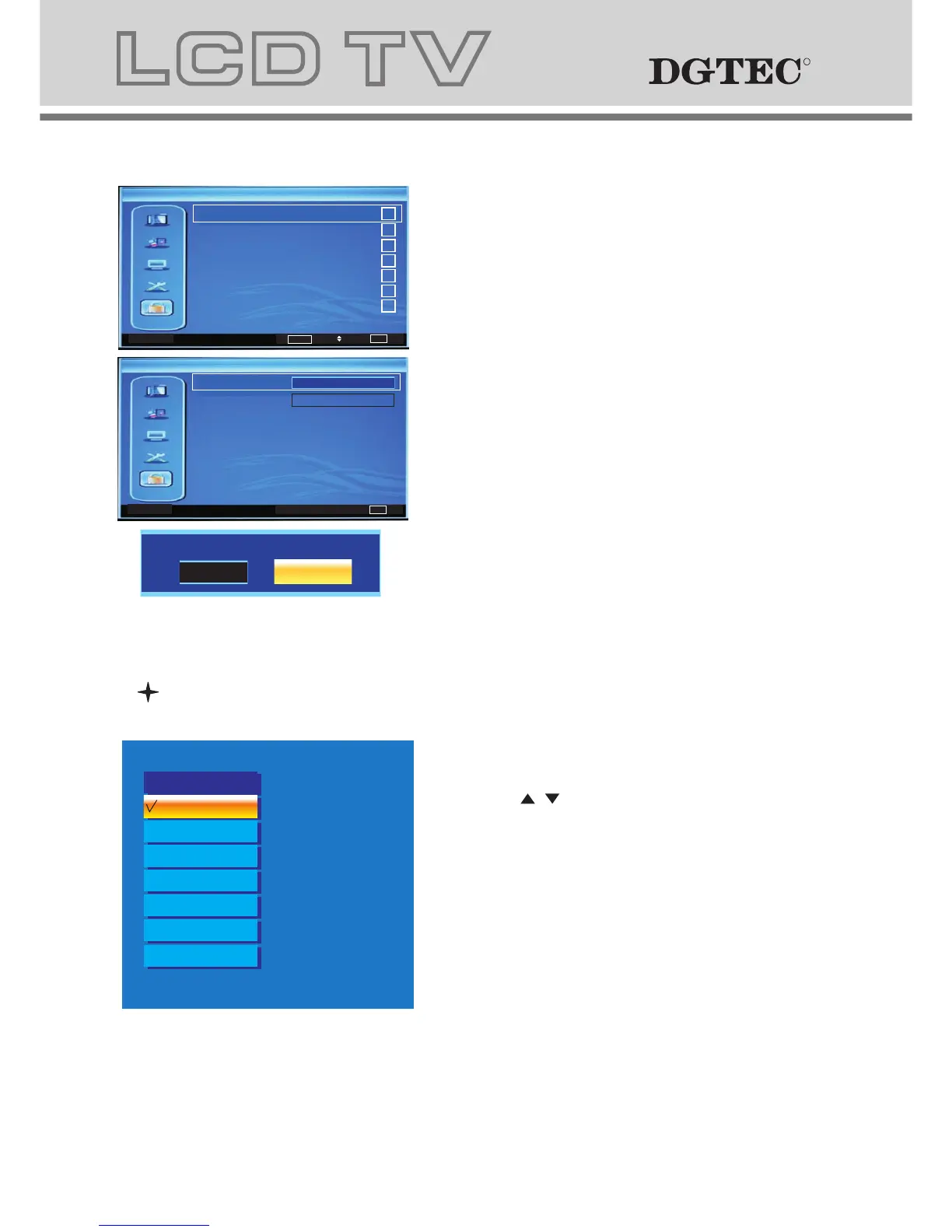
1. Press "SOURCE" button to change from
DTV to other available inputs.
2. Press " / " button to select signal source.
3. Press "OK" button to confirm.
4. Press "EXIT" button to exit signal
source menu.
TV
Source
AV
YPBPR
DVD
VGA
HDMI
S-VIDEO
RR
RR
5 PARENTAL MENU
b. The definition of each option:
b-1. Channel Block: Press / key to this
position, then press key to enter
Channel Block.
b-2. Program Block: Press / key to this
position, then press key to enter
Program Block , Other menu options include
Restriction of Access(No Block,Block G...).
b-6. Blue Screen: press key to enter
Blue Screen(On/Off).
b-7. Reset Default: Press / key to this
position, then press key to enter
Default Password is "0000".
EXIT Back
Password
OK
Enter
Select
EXIT Exit
Setup
Display Mode
OSD Language
16:9
On
English
Time Setup
Subtitle
Teletext
Blue Screen
Reset Default
EXIT Exit
Setup
OK
Enter
Select
EXIT Exit
Password
Parental
a. This menu is used to set the block
function.
Password The initial password is 0000.
ExitEXIT
Select
Enter
OK
Change Password
Clear All Blocks
Channel Block
Program Block
Input Block
Parental
ExitEXIT
Select
No Block
Restriction of Access
Program Block



 To Next Page