7
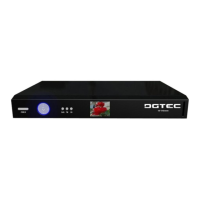
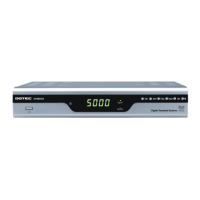
Front Panel/ Rear Panel
Front Panel
(1) STANDBY: Switches the STB between operation and standby modes.
(2) DISPLAY: Display the channel number while operating and the
time while in standby mode.
(3) CH (-/+): Change channel or items from top to bottom on the menu.
(4) VOL (-/+): Turns up/down volume or changes the page of channel list.
(5) OK: Display the channel list and selects the item on the menu.
(6) MENU: To display the main menu or return to a previous menu.


 To Next Page