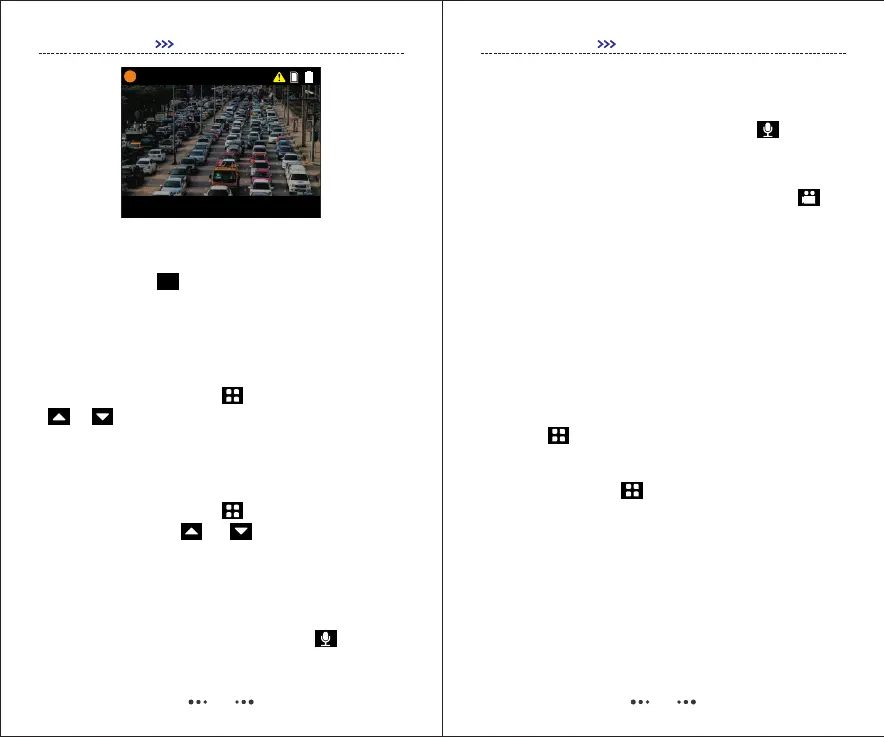
08
000:00:15 17:11:42
2017/05/04 201927 17:11:24
PID:000000
N:8888888S
16. Video resolution Switch
Single-press “ ”to change video resolution
directly in Preview Mode.
GETTING STARTED
FN
17. Change User ID
Find “Change User ID”in SETUP-Settings, default
password is 000000, use to confirm and press
/ to move the cursor.
18. Set Date&Time
Find “Date&Time” in SETUP-Settings, default
password is 000000, use to confirm (or move
to next) and press / to change the
number.
19. Switch Between Video Recording and
Audio Recording
1) When video is being recorded, press to stop
recording video and start audio recording, video will be
saved.
09
GETTING STARTED
20. Working as USB Flash Disk
Connect camera to PC via USB cable, enter correct
password, and camera will be recognized like a USB
flash disk on PC. Default password is .000000
21. Playback
1) Press , and find "Video, Photo, Audio", all
files recorded can be browsed.
2) Press and Hold to check the last file
recorded.
19. Switch Between Video Recording and
Audio Recording
1) When video is being recorded, press to stop
recording video and start audio recording, video will be
saved.
2) When an audio file is being recorded, press to
stop audio recording and start video recording, audio
file will be saved.


 To Next Page