If you would like to directly start your training without any training
schedule (Fig.11), please follow these two instructions
Į Press the Quick Start Button on the Home Screen (Fig.3)
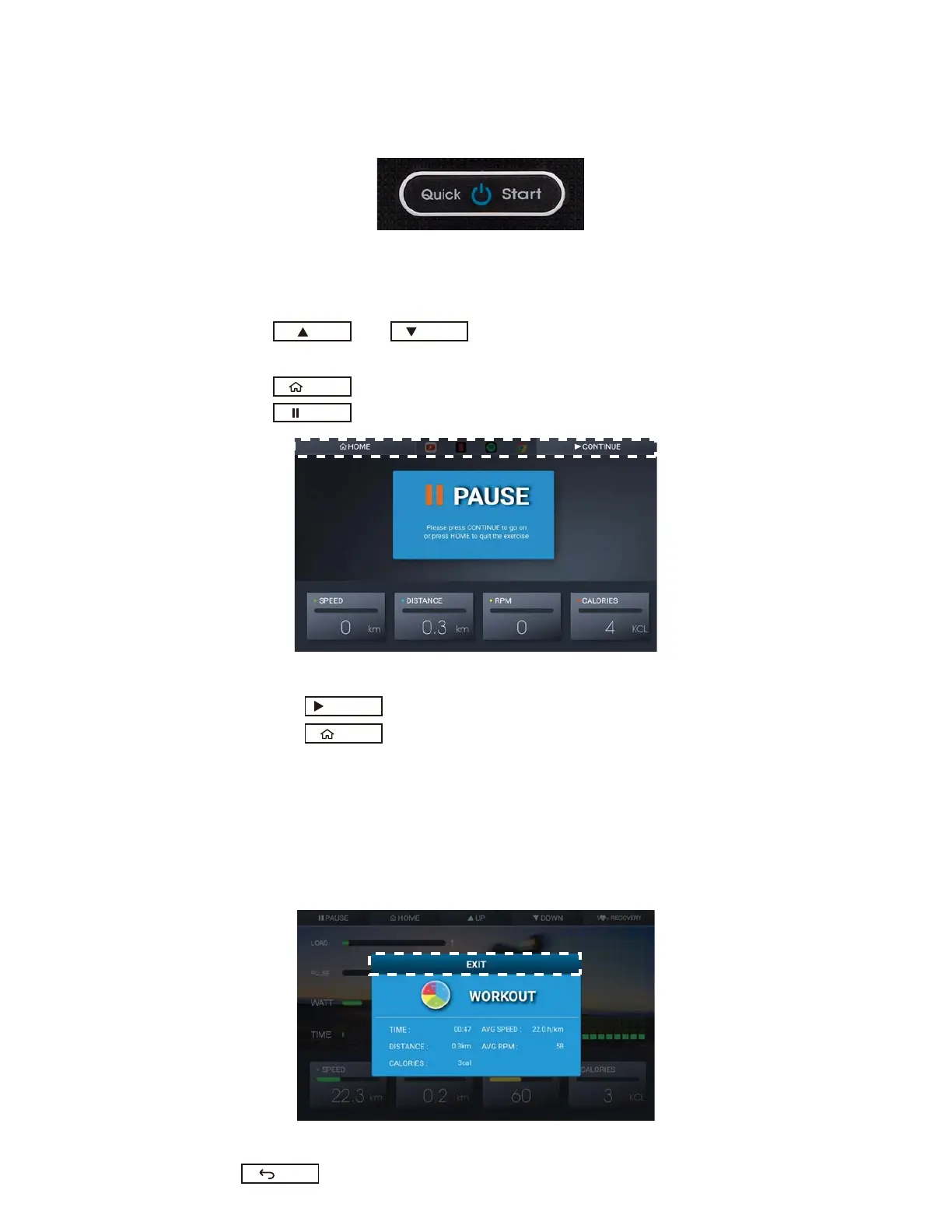
Į Press Quick Start Button on the console (Fig.12) when the display is at Home Screen.
Fig.12 Quick Start Button on the Console
2. While Using QUICK ST
ART (Fig.11)
Į SPEED, DISTANCE, RPM and Calories will change if the RPM is larger than 15.
Į Press or to adjust the load. The load adjustment will be
demonstrated by the amount of the green square bar. (Fig.11)
Į Press to stop the training and go back to the Home Screen
Į Press to pause the training.
Fig.13 Paused Training
Press to continue (Fig.13)
Press to stop the training and go back to the Home Screen
If you would like to keep going on the Entertainment with your training
remained, please follow the instructions in the “Entertainment with Training”
section
3. After Using QUICK START
Before going back the Home Screen, it will show out the Workout Data if your training
time is over 30 Seconds.
Please check Figure 14
Fig. 14
WORKOUT DATA DISPLAY(I)
Press to go back to the Home Screen
UP DOWN
EXIT
CONTINUE
HOME
PAUSE
HOME



 To Next Page