¾ MANUAL
1. How to start Manual?
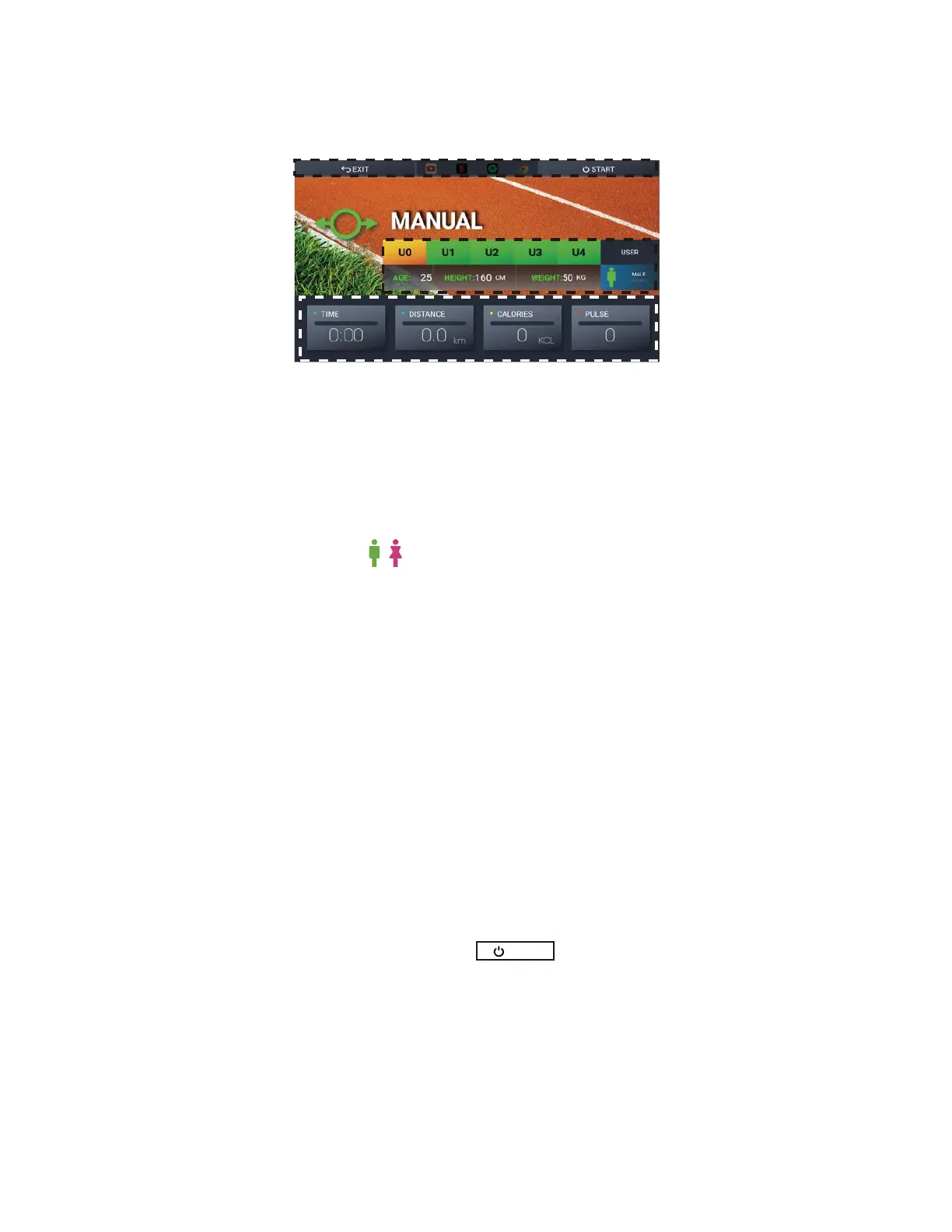
Fig. 15 Manual Mode
Set-up Users’ Information
Set-up Training Goals
Train along with Entertainment
Please check the instruction in the “Entertainment with
Training” section.
2. While using Manual mode
After setting up the information, press to start the training.
Then, check the section of “How to Start Your Training? — Quick Start — While Using
QUICK START”
3. After using Manual mode
Please check the section of “How to Start Your Training? — Quick Start — After Using
QUICK START”
START
16
Press TIME, DISTANCE AND CALORIES to setup the training
goals. Notice that if the time isn’t set, the training time will
count up. If the time is set, the training time will count down
from the time you set.
Press Manual on the Home screen (Fig. 3) to start exercising with several training goals like
Time, Distance and Calories. Please check Figure 15.
There are five users that can be chosen, From U0~U4.
Here we take U0 as an example of set-up.
1. Press U0 to choose the user.
2. Press Age, Height, Weight and USER respectively to insert the user’s information.
3. Choose the to select the gender you want.
*** Notice that only U1~U4 will be TBWFE after the training. All the
information about U0 will be deleted after your training.



 To Next Page