14
Turn on the power switch and press
"START" key to start the machine.
Unplug the power supply of direct
charging port and turn on the power
switch.
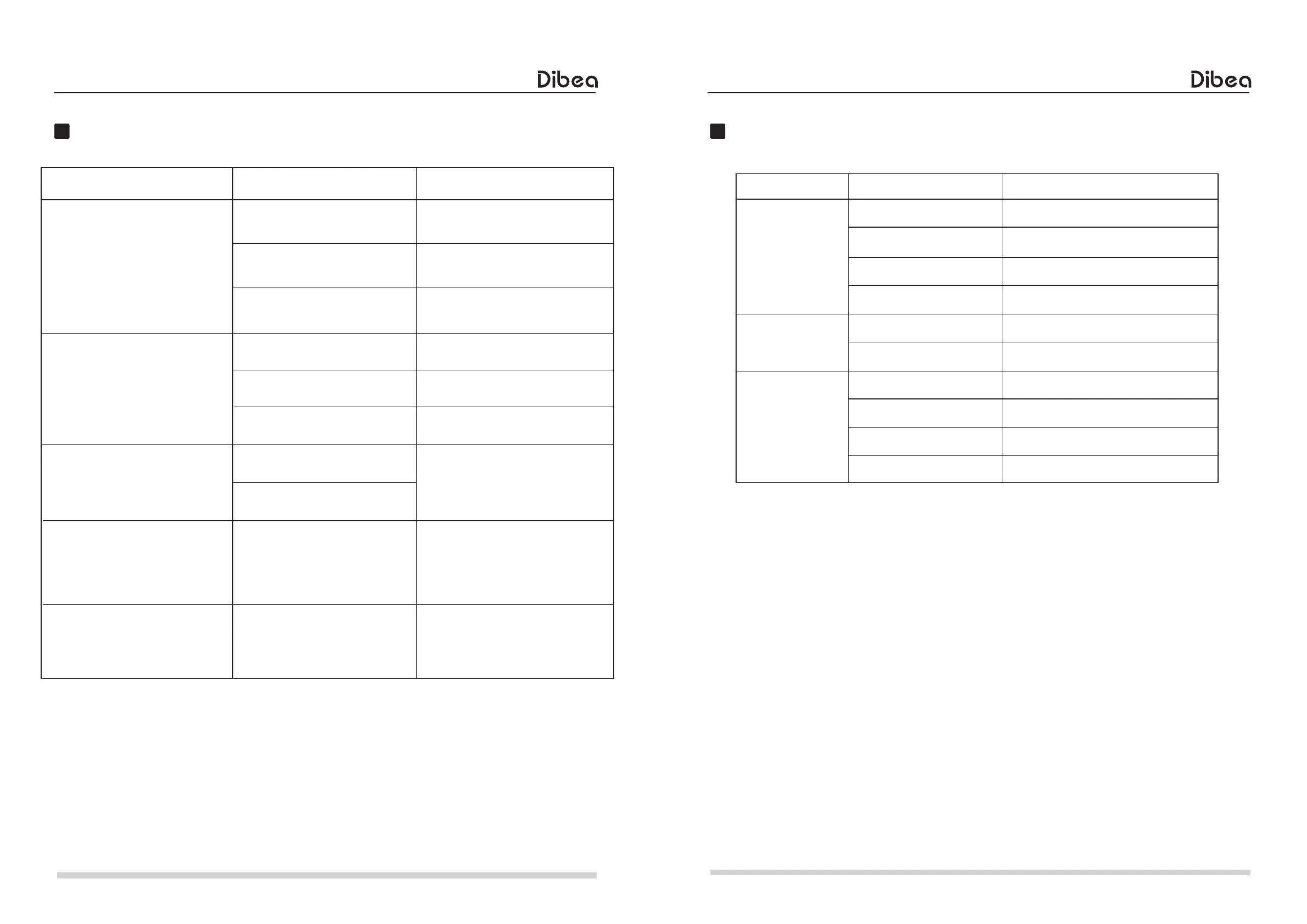
Malfunction Routine
When the machine is in the
charging state, press START key
or the Start/Stop key on remote
control; the machine will not
be separated from charging
base automatically or enter the
cleaning state.
The fan fails to work when
installing dust bin for cleaning
(the machine fails to absorb dust
or the wind power is reduced).
The machine has the action of
"Backward->rotate constantly" or
"rotate constantly" after startup.
The machine has the
"Backward>turning->action for
consecutive three times during
operation.
The machine has "Backward"
turning->action every 2 - 3s
when there are no obstacles.
The power switch of the machine
is not turned on.
The power supply is inserted in
direct charging port.
Dust bin is not installed. Install the dust bin .
Clean the dust bin
Clean the suction port
Contact with the customer
service personnel for
treatment.
The dust bin has too much dust.
The suction port is blocked with
foreign matters or hair.
The fan is abnormal.
The collision light filter has dust
or is abnormal.
Wipe the dust
Shake the collision rod
Rotate the universal wheel by
hand and check whether it is
clamped, if yes, pull it out directly
for cleaning.
The cliff sensor has dust or is
abnormal.
The collision rod is clamped.
Fault of universal wheel
Malfunction routine
Error
Possible cause Solution
15
Classification Item Specifications
Diameter
Height
Net weight
Voltage
Battery
Capacity of dust bin
Capacity of the water tank
Charging type
Charging time
Working time
295mm
75mm
2.2kg
14.8V
Li-ion 2200mAh
400ml
75ml
Automatic charging / manual charging
About 4 - 5 hours
About 90 - 110 minutes
Structural
Electronics
Functional
specifications
Product Specifications
Product specifications
The picture is for reference only, the product shall be in kind prevail and may be changed without
prior notice, and we reserve the right for product updating.



 To Previous Page