37
36
Troubleshooting
Battery removal
A. Remove the screws on battery cover with a driver.
B. Pull out the battery cover.
C. Grasp the isolated strips at two sides of the battery and pick the battery up.
D. Separate the wire connector that links battery and robot.
E. Put a new battery into battery slot with the character side facing up.
F. Joint the wire connector between battery and robot.
G. Check whether wire connector and isolated strips have been placed well.
H. Put the battery cover onto battery slot with right direction.
I. Lock the screws on battery cover with a driver.
Note: Use factory-authorized battery only.
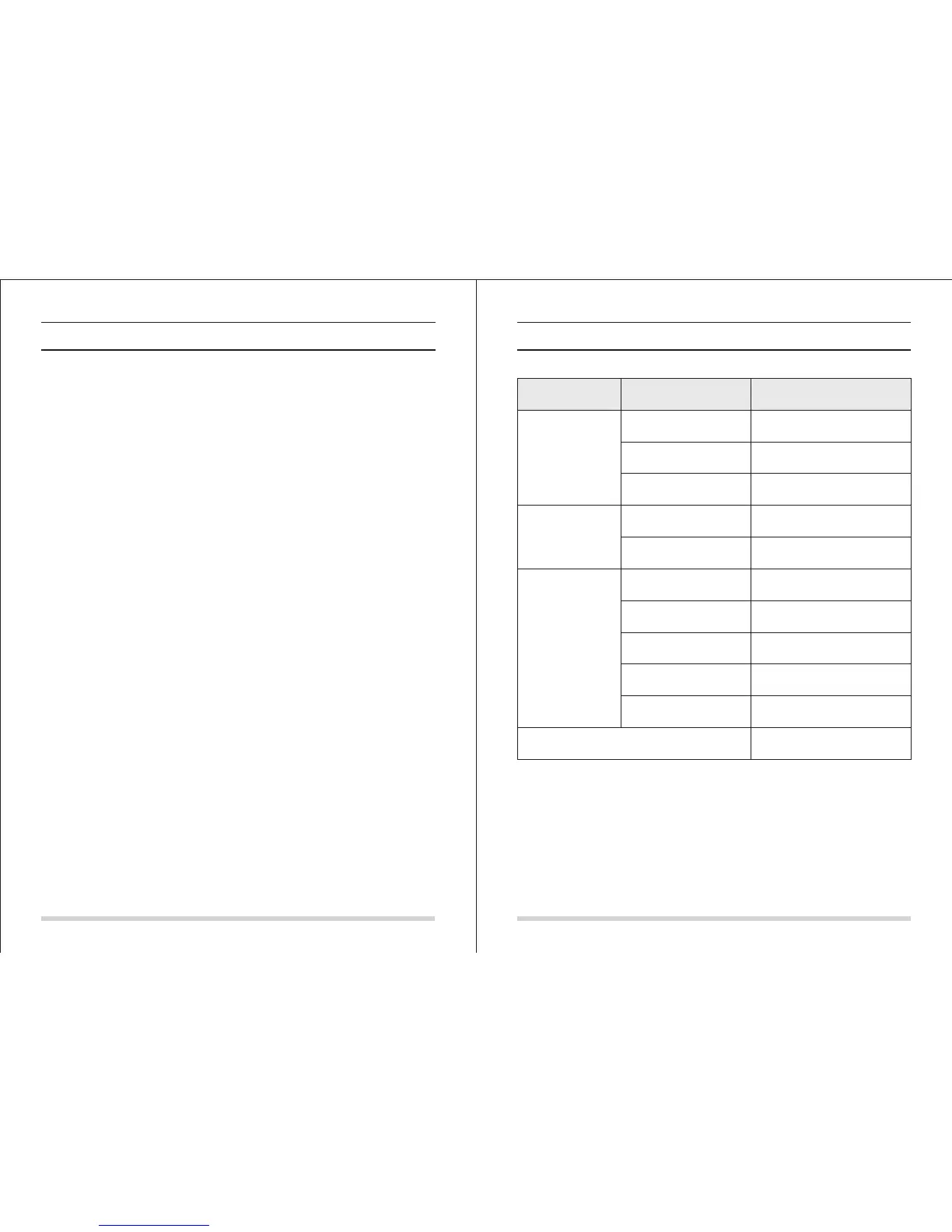
Product Specifications
Classification
Item Detail
Mechanical
Specifications
Electrical
Specifications
Cleaning
Specifications
Main Body Button Type
Diameter
Height
Weight
Power voltage
Battery specifications
Dust bin capacity
Charging type
Cleaning mode
Charging time
Cleaning time
340mm
90mm
3.0kg
14.4 V
Ni-MH 2000mA
0.3L
Auto Charging/Manual Charging
Auto, Spot, Edge, Daily Schedule
About 200min
About 90min
Touch(LED display)
Note: Product storage temperature: -20°to 50°(centigrade).



 To Previous Page