4
PowerMic™ Microphones Installation Guide
USB PowerMic
™
Microphone
Installing the USB PowerMic
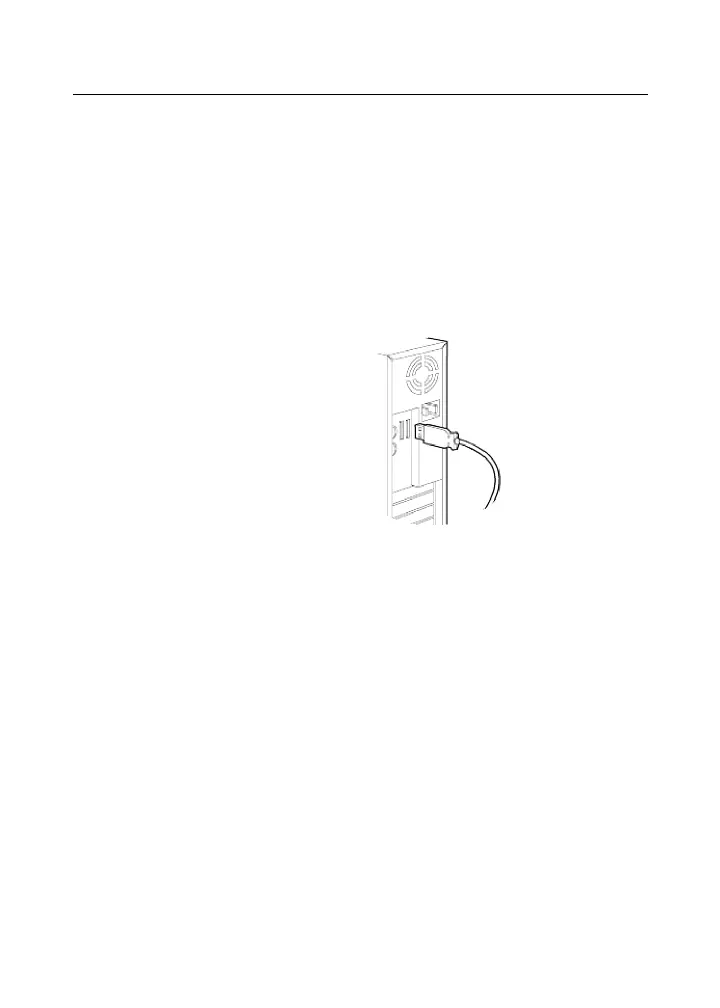
To install the USB PowerMic:
Connect the USB PowerMic’s USB cable to an
available USB port on the front or back of your
computer.
You can begin using the USB PowerMic immediately.
However, it is recommended that you follow the
procedures to install the Microphone Wizard program
and test your USB PowerMic as indicated in Installing
the Microphone Wizard Program on page 15.



 To Next Page