8
PowerMic™ Microphones Installation Guide
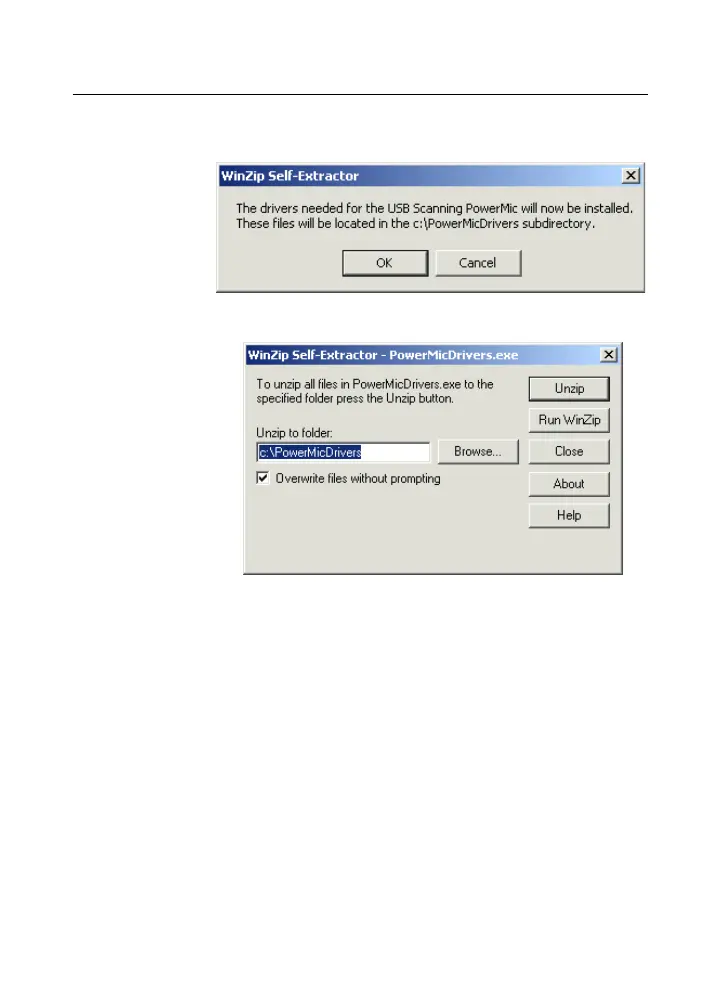
2. Click OK. A file extraction dialog box opens.
3. Click Unzip to begin extracting the files. Accept
the default location so that the drivers are
extracted to C:\PowerMicDrivers.
4. When the extraction of files is finished, click OK
and close any remaining dialog boxes.
5. Connect your PowerMic+Scanner to your
computer as indicated in Installing the USB
PowerMic+Scanner on page 9.
6. Run the Microphone Wizard (MicWiz) program
to test your microphone as indicated in Installing
the Microphone Wizard Program on page 15.



 To Next Page