11
PowerScanner™ Microphone
7. In the Save As dialog box, navigate to and select
your Temp folder (C:/Temp) where you will save
the downloaded file.
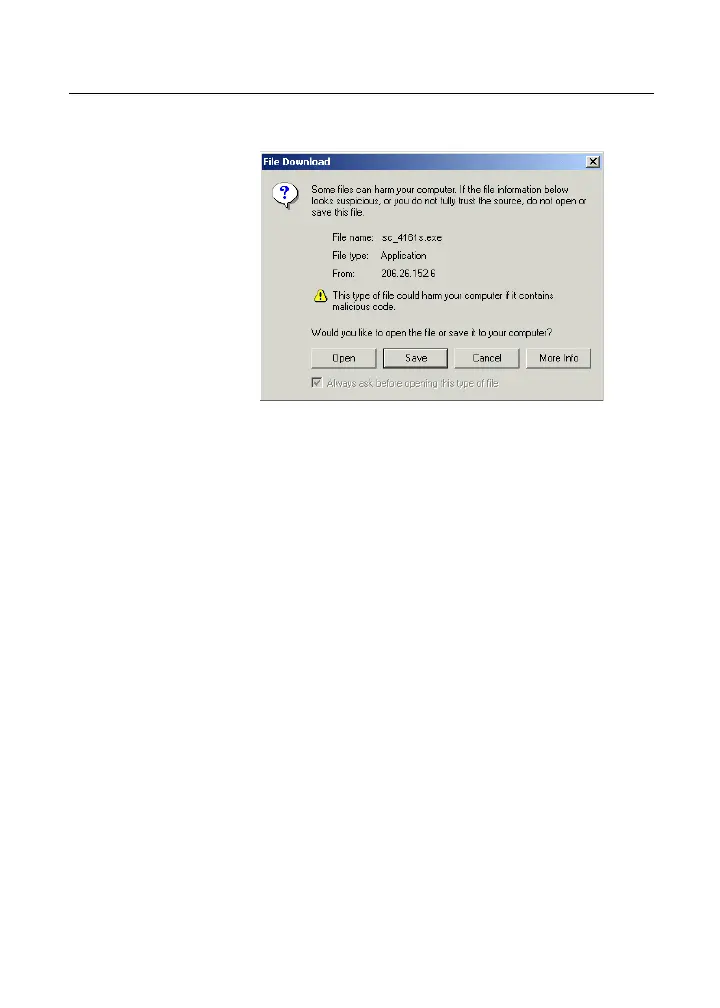
8. Click Save to begin the download. When the
download is finished, click Close and continue
with the procedure below for installing the drivers
for the sound card.
To install the drivers from the downloaded
installation file:
1. Open Windows Explorer, navigate to the Temp
folder where you downloaded the drivers, and
double-click the executable file for your operating
system:
• sc_4161s.exe for Windows 2000 and
Windows XP
• TBSCWin98Drivers.exe for Windows 98
and Windows ME
• TBSCWinNTDrivers.exe for Windows
NT



 To Next Page