NOTICE
The system operates automatically when the power plug is plugged into the
building installation.
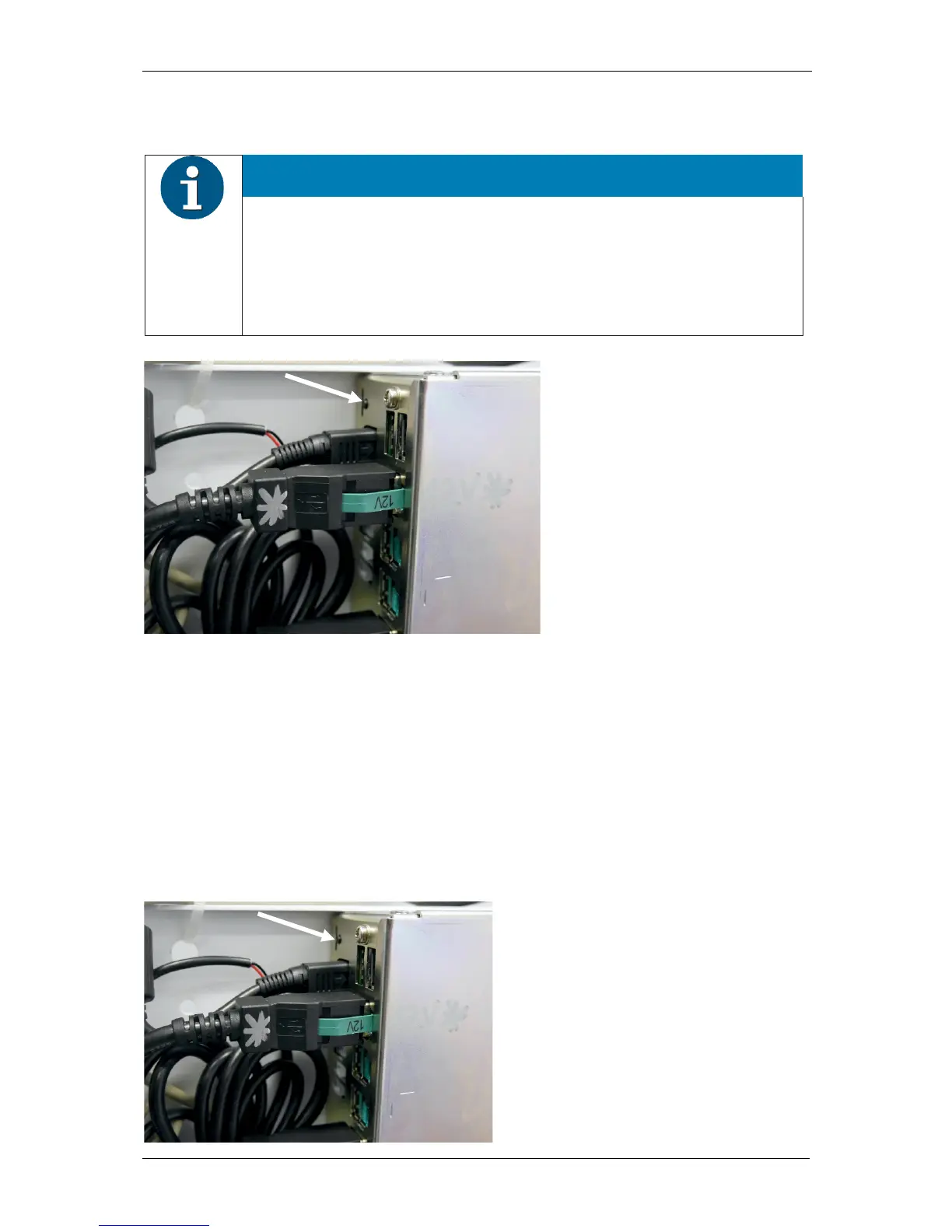
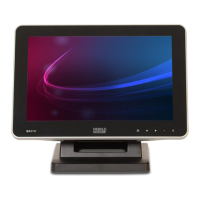
If this does not work, please open the device (see Section "Opening the
device") and press the ON/OFF button at the PC in order to switch on the
system (see arrow).
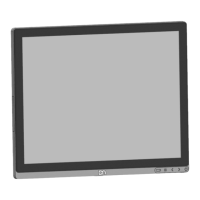
If the display do not light up, press the power button on the panel of the display (see chapter
“Display Settings”) to switch it on.
9.1 Shutting down the system
Shut down the device by closing the application.
9.2 Restarting the system after shutdown
Push the ON/OFF button at the PC to start up the K-two.



 To Next Page