SM – 100 Operation Manual
72
3.13.2 Delete Special Message File
At Special Message programming mode, enter existing Special Message Number (Ex. 1) to be deleted.
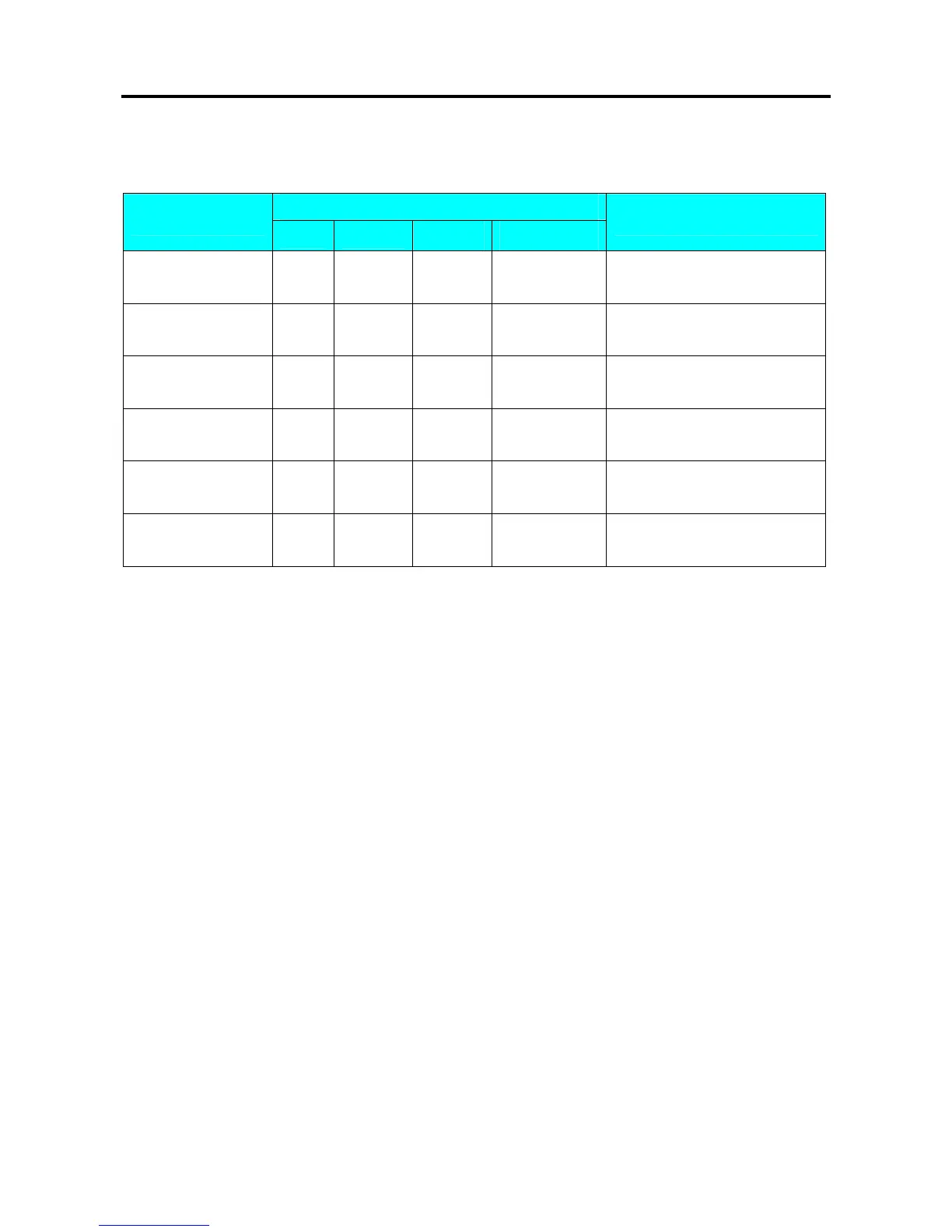
OPERATION
DISPLAY
REMARK
PT kg
$/kg $
[MODE][MODE]
[MODE]
S1
→
PLU FILE
Enter S mode.
Lamp S turns on.
[9] or [︾] eight times
S9
→
SP MESSAGE
Select special message file
programming mode.
[*] S9.0 SP MG 0 NO SET
Enter special message File
programming mode.
[1] S9.0 SP MG 1 NO SET
Enter special message File 1.(Ex.
No.1)
[-]
S9.0 SP MG DEL ? Y-C N-T
Enter deleting mode.
[C] for Yes, [T] for No.
[C] S9
→
SP MESSAGE
Delete special message File 1,back
to S mode.
Note1: If you want to cancel the deletion, press [T] key to exit.
Note2: Non-existing Special Message File can not be deleted.



 To Next Page
 Loading...








