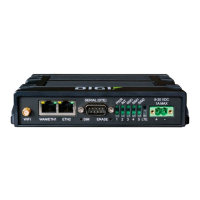
WR44 Series Installation Guide
10
2 Installation
Note: You will not be able to use the router for remote communication until you have
subscribed to a suitable wireless network service.
WR44 series products are designed for indoor use (office or home). They should be
positioned on a smooth, level surface making sure that there is adequate ventilation. Do
not expose them to extremes of heat or cold, strong magnetic fields or liquids.
It is important to remember that these products are wireless devices just like a mobile
phone, so they will only operate reliably if there is a good quality signal from the network.
For many applications the stub antenna provided will be suitable but in some
circumstances it may be necessary to use a window-mounted or magnetically mounted
antenna with an extended cable to allow the antenna itself to be positioned to provide the
best possible signal reception. Digi International can supply a range of suitable antennas.
Step 1 - Installing the SIM card(s)
The router incorporates two separate SIM card holders so that if your application
demands it, you may install SIMs for two different networks. This means that one wireless
service may be used as a back-up service in the event that the primary service fails in
some way. By default, SIM 1 is the default SIM used for access to the primary network
and SIM 2 is used for the back-up network.
Note:
SIM 1 and SIM 2 can NOT be used to access two networks simultaneously.
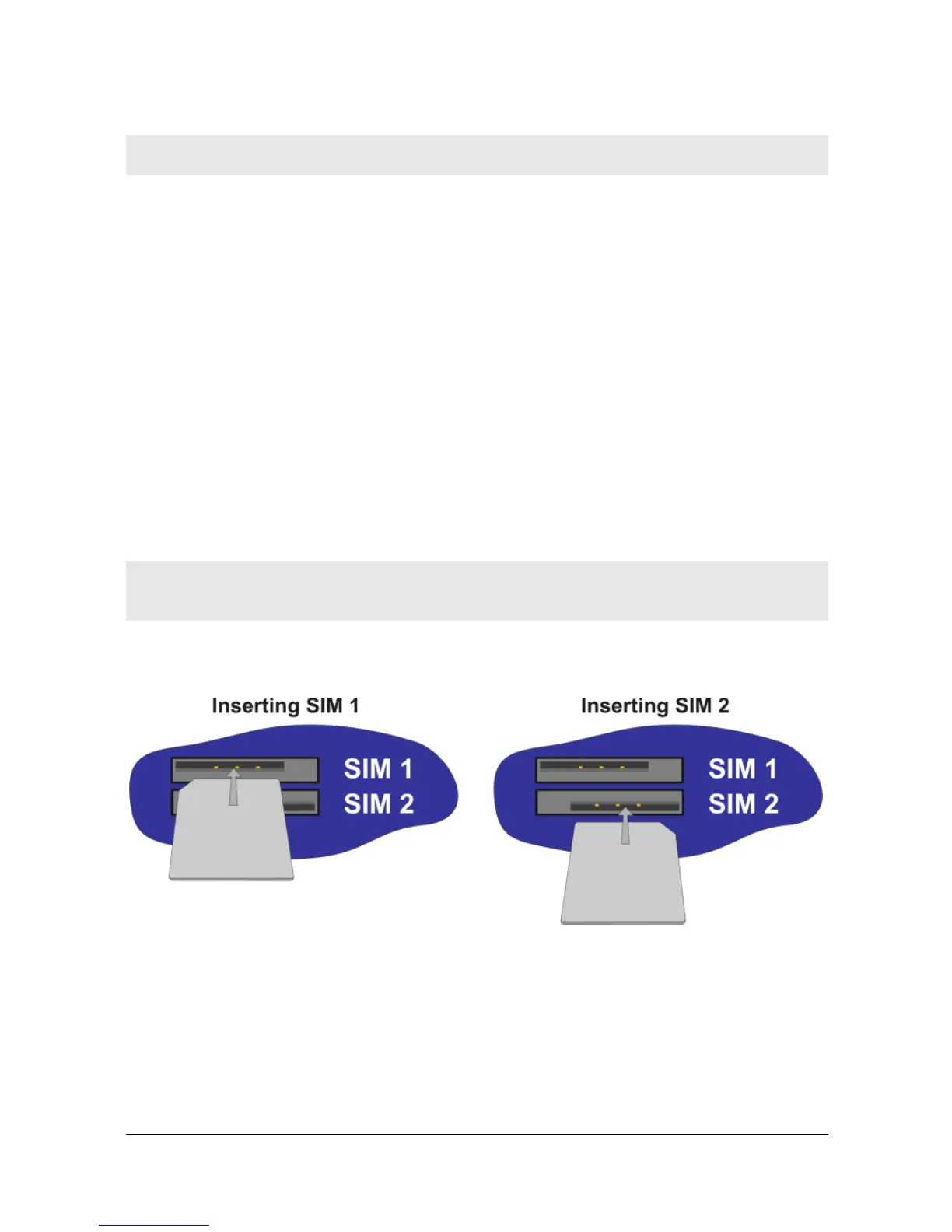
The SIM card(s) should be inserted into SIM cardholders on the right of the front panel as
illustrated below.
In both cases, the end of the SIM card with the chamfered corner should be inserted first.
For SIM 1 the contacts should be face down. For SIM 2 the contacts should be face up.
Step 2 – Fitting the wireless WAN antenna(s)
The router is supplied with a “stub” antenna suitable for use with the model you have
ordered. Alternatively you may have ordered a different type of antenna separately. In



 To Next Page