16
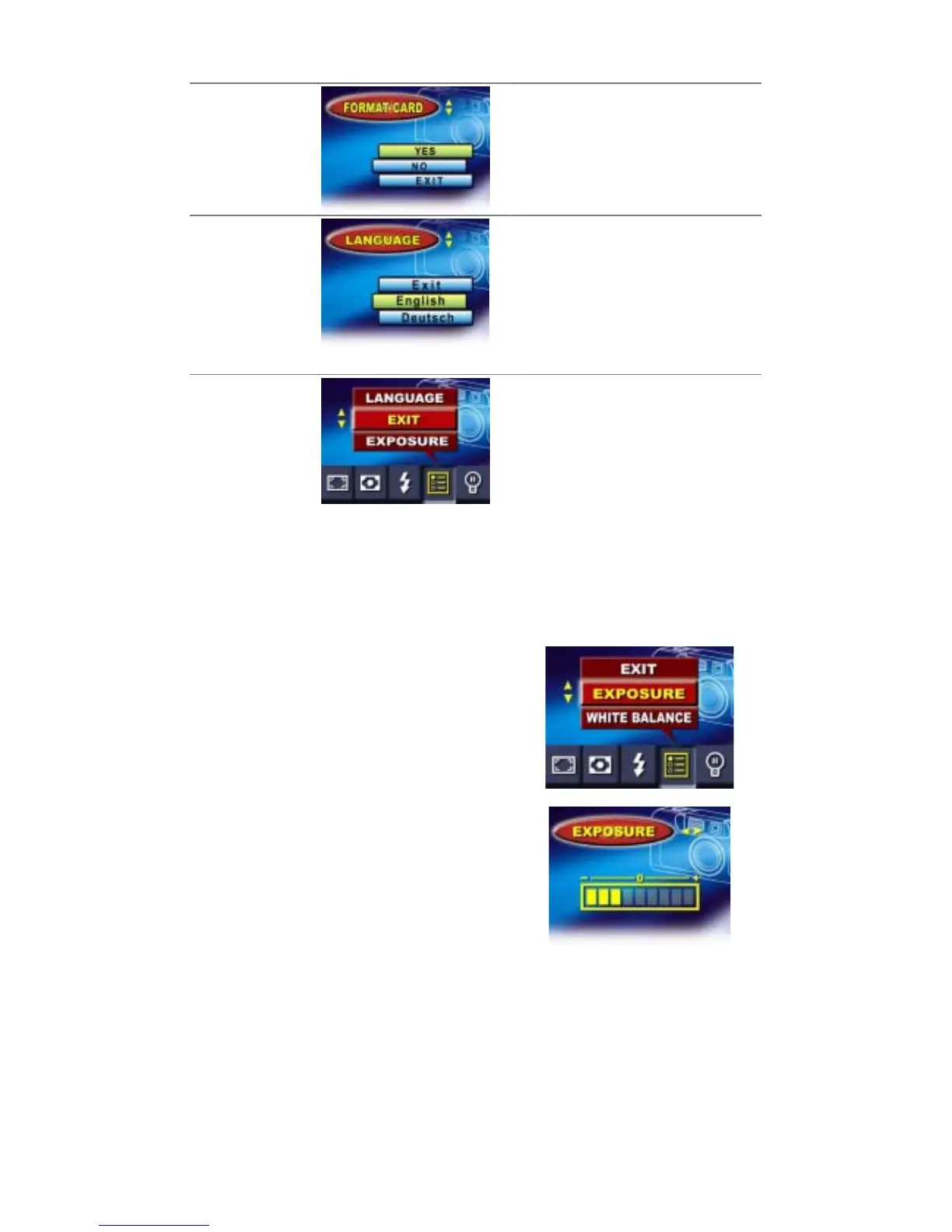
Format Card
ŏ Yes
ŏ No (default)
Language
ŏ English (default)
ŏ German
ŏ French
ŏ Italian
ŏ Spanish
ŏ Portuguese
Exit
Select to exit Advanced Settings and
Camera Mode Options menus.
Adjusting Exposure
Your camera adjusts image exposure
automatically depending on lighting conditions.
In certain circumstances you may wish to adjust
the exposure compensation setting, for instance
to avoid making your subject too dark when it is
backlit or shot against a bright background or to
avoid making lights appear too bright in night
shots. The default setting is 0.


 To Next Page