26
Section 5
Viewing Photos and Movie Clips on a TV
ϪConnecting the Camera to a Television
You can view stored images and movie clips on a television. To connect to a television:
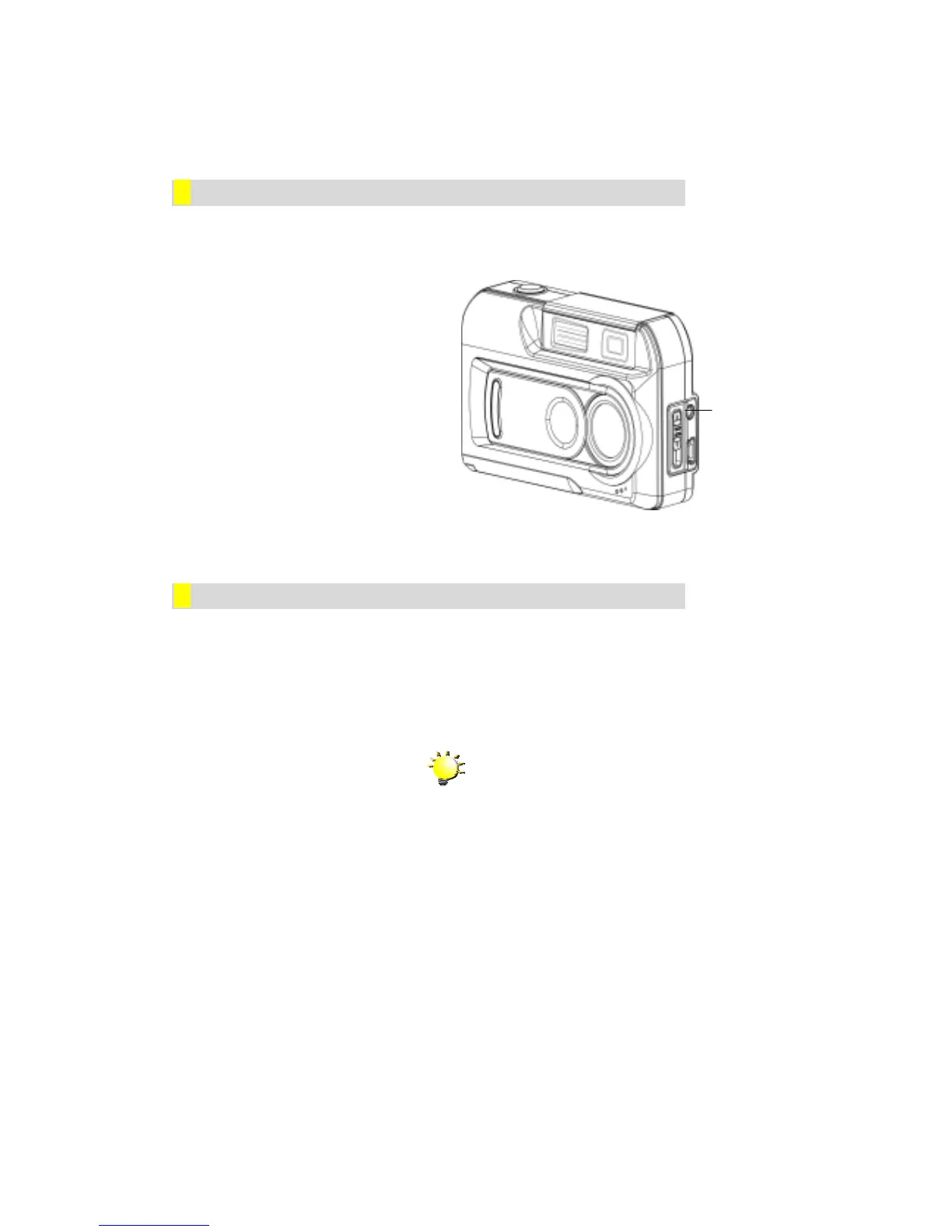
1. Connect one end of the movie
cable to your camera’s TV Out
port.
2. Connect the other end of the
cable to a television or
videocassette recorder.
ϪViewing Photos and Movie Clips on a Television
The steps for viewing stored photos and movie clips are exactly the same as for viewing them
on the LCD monitor. First connect the camera to a television and turn it on. Then, enter
Playback Mode and proceed as described in Section 4, Playback Mode.
Note
The LCD monitor does not work when the
camera is connected to a television.
TV Out Port


 To Next Page