TN372 Page 2
Double click the HORM icon in the tool bar to open the program.
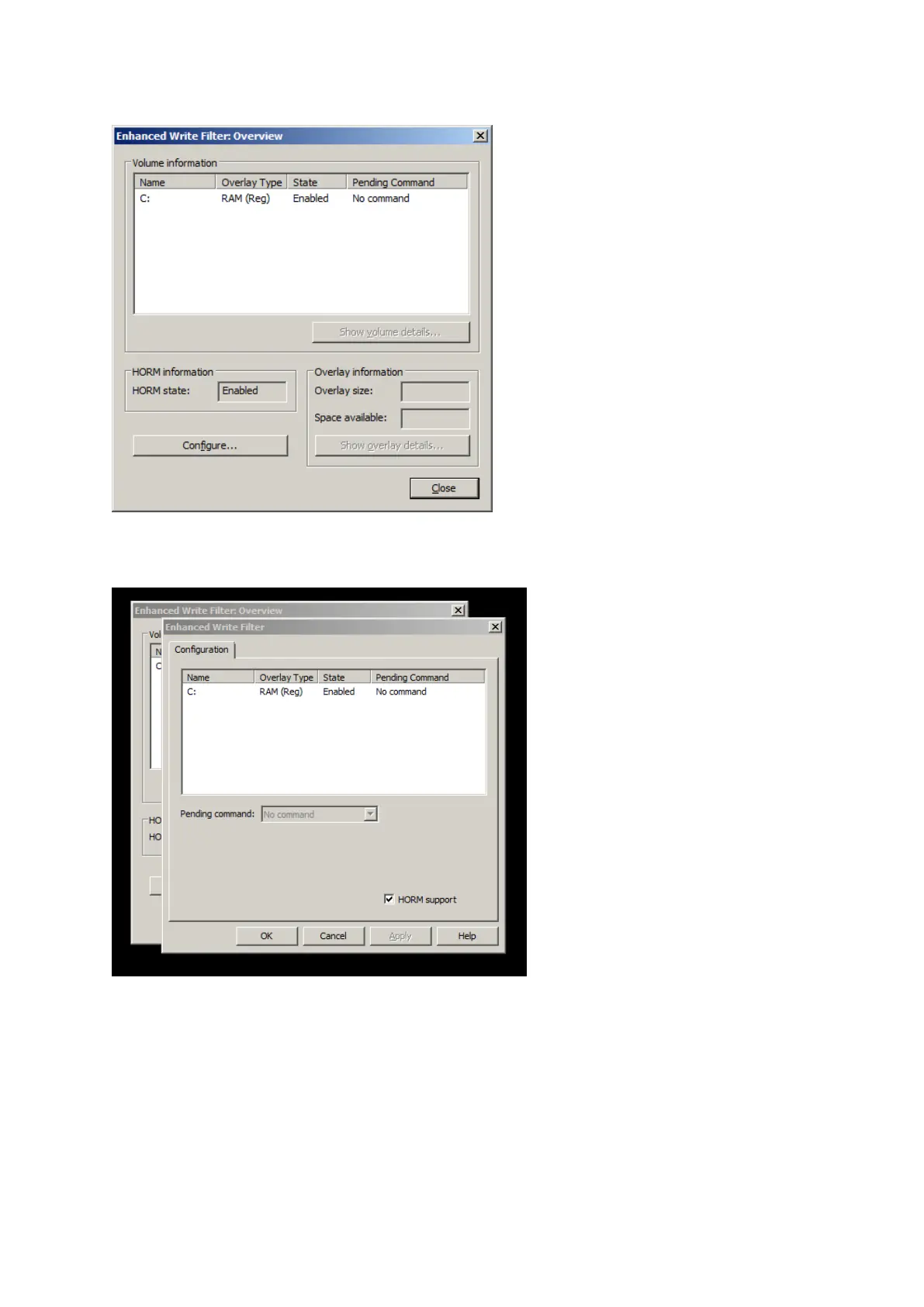
Once open, the HORM application looks like this:
Note how the HORM status should ALWAYS be shown enabled, whether active or not.
Clicking Configure opens this:
Note HORM support must ALWAYS be checked.



 To Next Page