TN372 Page 4
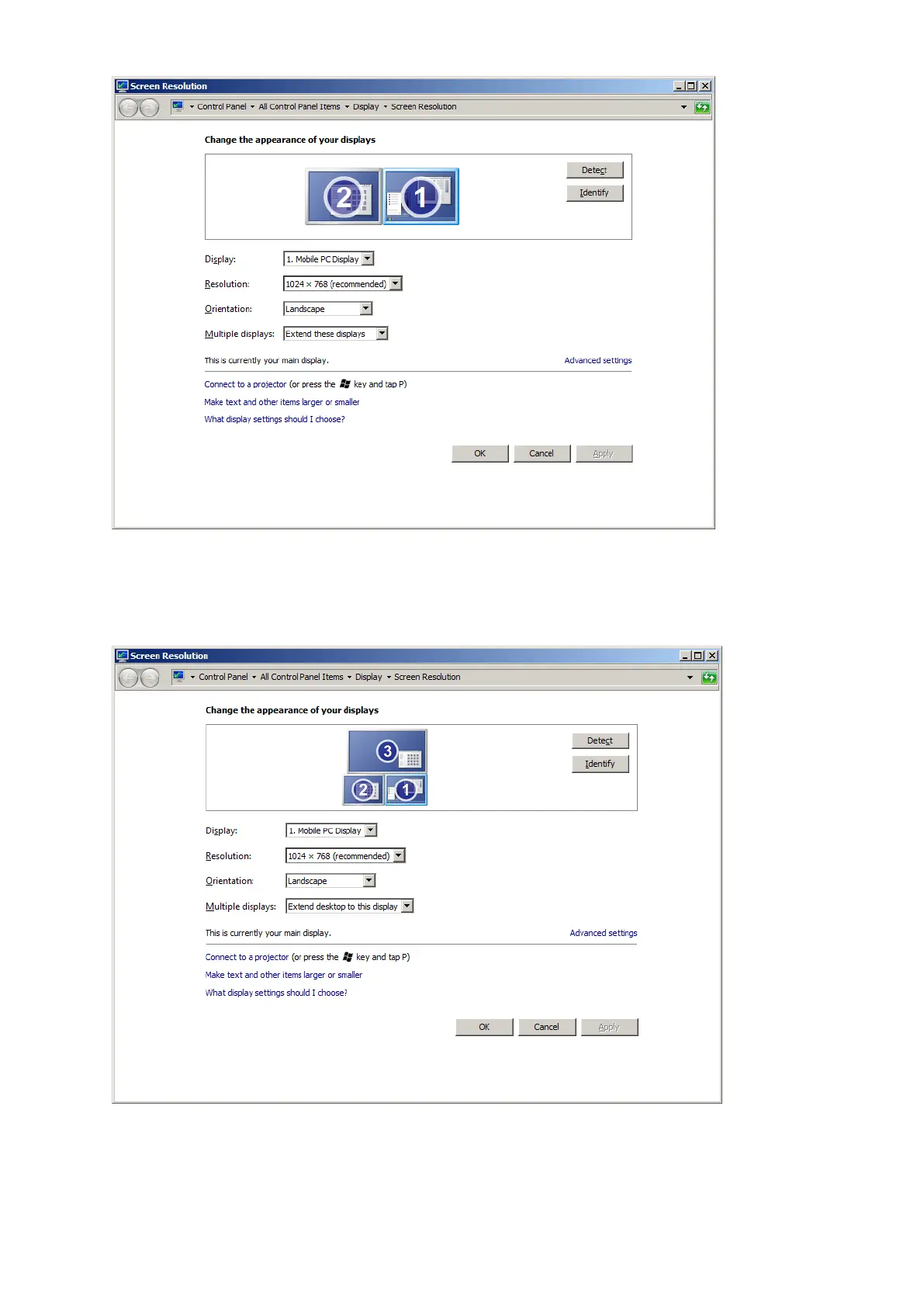
If no overview screen is connected, see the following screen open
If only one screen indicated as 1 / 2 is shown ensure “extend these displays” is selected and the 2
screens appear as above. Use the identify feature in the normal manner for Windows.
Note the automatically detected screen settings (type & resolution) should be as shown.
Now connect an overview screen or if it is already connected, see the following screen open
If the overview in use has not been connected to this mixer before, this must first be enabled.
Click on monitor 3 .
Click “Multiple Displays” drop down and select “extend desktop to this display”.



 To Next Page