22
Tippy
Smart Pad
by
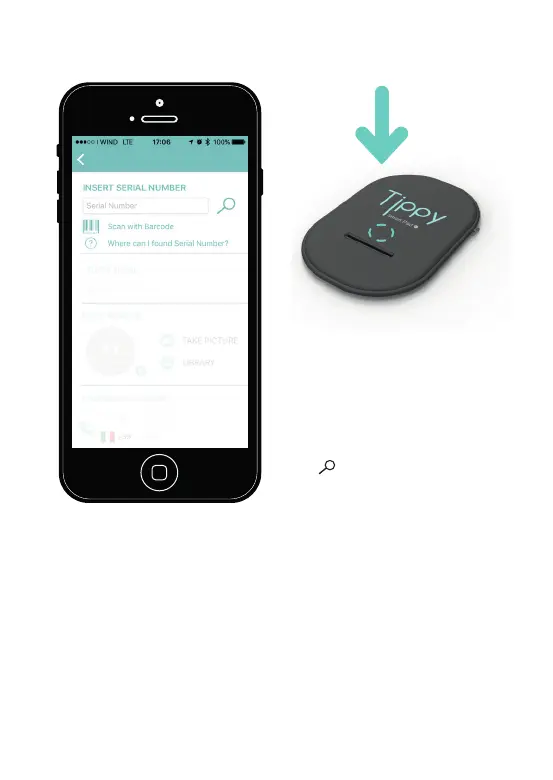
Figure 5. Connection screen.
Push on the central part of Tippy
(
Picture 6
) and put to it close the
phone.
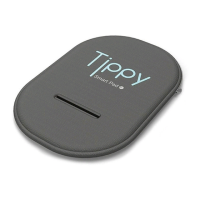
Picture 6. Central part of Tippy.
5. Insert Serial Number by
directly typing it or using the
bar-code and click on the sym-
bol . Remember to press the
central part of your Tippy. You
can find the barcode inside your
Tippy or in the final part of this
manual.
6. After Tippy is correctly con-
nected to the smartphone, add
the name of your child and the
telephone numbers used to
send SMS in case of emergency
(
Picture 7
). You must provide a
minimum of one and a maximum


 To Next Page