25
English
and alarm sound are triggered
even if the application is in back-
ground state.
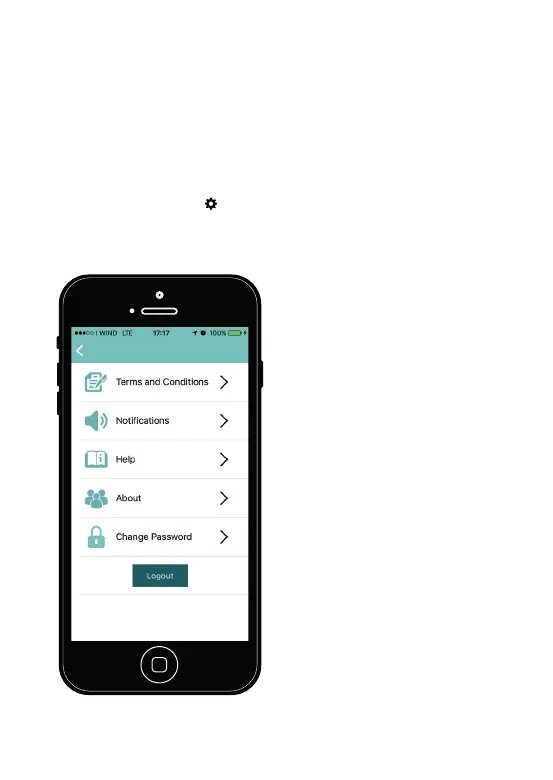
3.4. Settings
Click on the symbol in the
main screen (
Figure 10
) to chan-
ge the application settings.
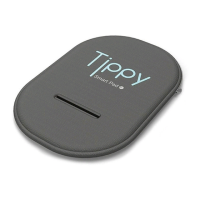
Smart Pad
by
Figure 10. Settings.
In this section it is possible to:
- Change the notification sound
(click on “Notifications”);
- Read the terms and conditions
for the use (Click on “Terms and
Conditions”);
- Follow a tutorial that explains
how to use Tippy (click on
“Help”).
- Click on “Logout” to definitively
exit the application . When the
user click on “Logout”, the appli-
cation doesn’t work and it is not
possible anymore to detect the
presence of the child.
Open again the application to
correctly use Tippy.


 To Next Page