21
English
Smart Pad
by
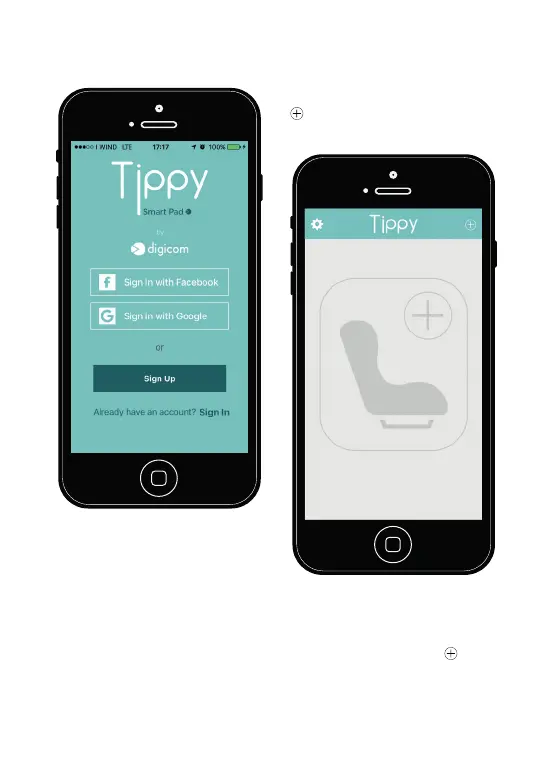
Picture 3. Registration procedu-
re.
3.3. Connecting Tippy
to the smartphone
3. Once logged in, the applica-
tion will show its main screen
(Picture 4). If Bluetooth is turned
off, the application will require to
turn it on. Click on the symbol
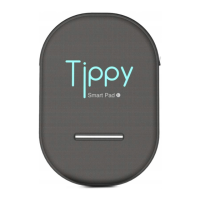
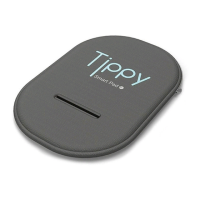
to connect your Tippy to the
smartphone.
Smart Pad
by
Picture 4. Main screen.
4. The connection screen is
shown when the symbol 4. is
clicked (
Figure 5
).


 To Next Page