Page 20
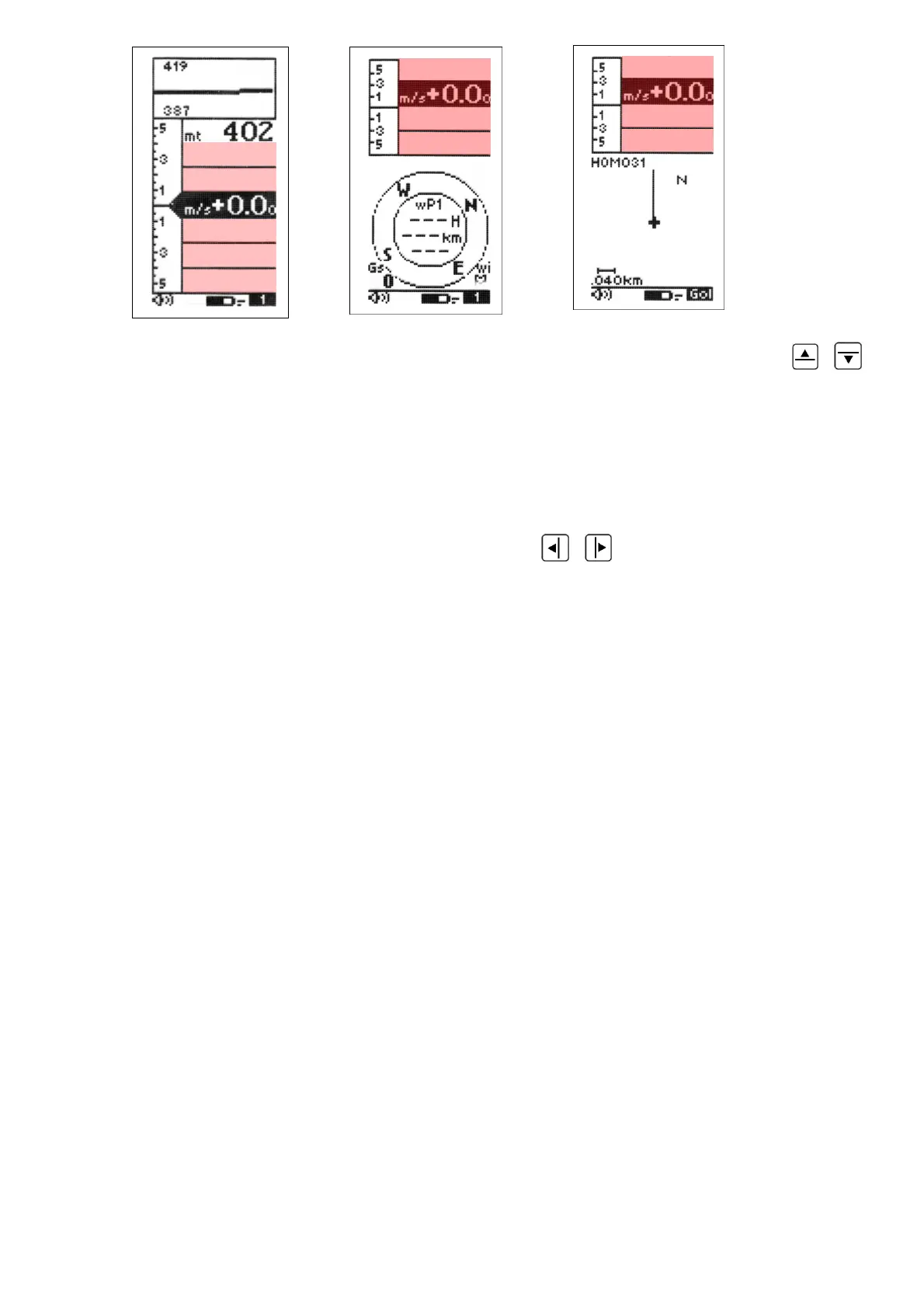
To show additional information in any of these customizable fields, press the
,
keys to highlight & select the data field you wish to adjust.
As you scroll up or down, the fields that you can customize are highlighted (inverted)
and a description of the data currently being shown is that field is shown for approx 3
seconds.
To change the data you wish to display, press the
,
key. Each time the data field
is changed, the field briefly shows a description of the data type currently selected.
4.7 TIME INFORMATIONS
The Digifly instrument can display time information related to Waypoints and Routes:
- ero: Estimated relative time related to start gate time in seconds, negative = advance
(wrong) / positive = delay (correct).
- es: Remaining time to start pylon gate open.
- e1: Estimated remaining time to current Waypoint.
- e2: Estimated remaining time to next Waypoint.
- eA: Estimated remaining time to goal.
- ts: Start pylon absolute time .
- t1: Estimated time to current Waypoint.
- t2: Estimated time to next Waypoint.
- tA: Estimated time to Goal.
- rt: UTC Time.
- ch: Chronograph.



 To Next Page