Page 25
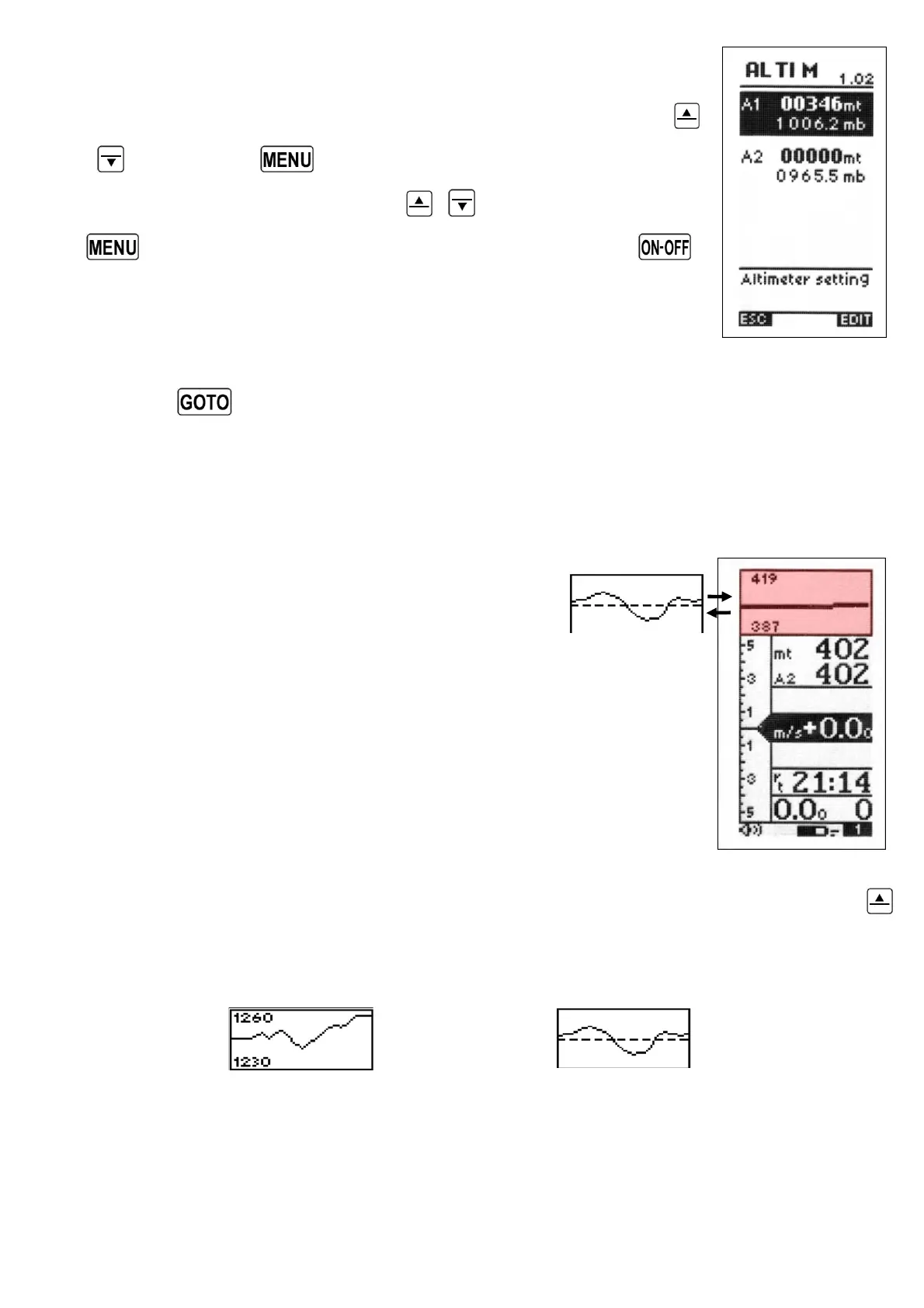
5.1.3 ADJUSTING ALTIMETERS A1 AND A2
Go to the altimeter menu “ALTIM” and select which altimeter (A1 or
A2) you want to adjust. Move up and down using the arrow keys
,
and press the key (function “EDIT”). To adjust the
altimeter value use the arrow keys
,
and confirm with the
key (function “SAVE”) or leave without saving with the
key (function “ESC”).
To set the A1 and A2 altimeters to standard QNH (1013mb), go to
the altimeter menu “ALTIM” and select which altimeter (A1 or A2) you want to adjust.
Press the
key (long press). A confirmation of “YES” or “NO” is required.
5.1.4 GRAPHIC ALTIMETER DISPLAY
This is a live plot of your altitude against time
(highlighted here in red), it scrolls whilst you are
flying. It will help you to see how effectively you are
climbing or turning in a thermal. It is especially useful in weak
conditions.
The scales on the graphic altimeter can be changed go to (MAIN
SETUP \ n. 13 BARY and \n. 14 BARY).
To switch between the graphic altimeter and the thermal centering display, press the
key (long pressure).
GRAPHIC ALTIMETER DISPLAY THERMAL CENTERING DISPLAY



 To Next Page