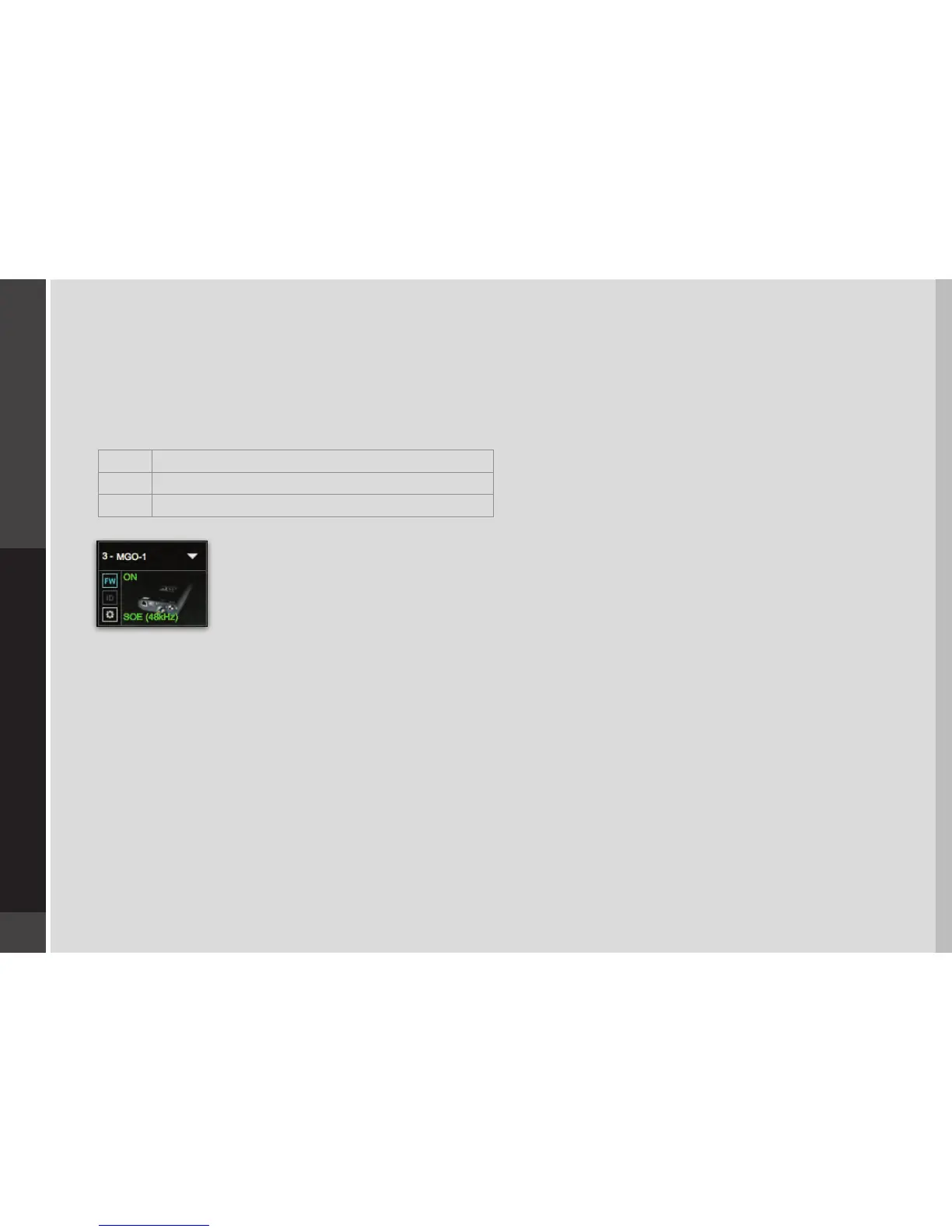
2.2.3 FIRMWARE STATUS AND UPDATES
On the left of the device icon are two buttons:
FW indicates the status of the device’s rmware. The user is given the choice to update it. Status indications are color-coded:
Grey Compatible rmware
Blue Compatible rmware, but a newer version exists
Red Firmware not compatible and must be updated in order to use
Click on the FW button to launch the Reasher. This will initiate a scan of the hardware and then oer options. Do
not disconnect device or turn o computer until you see “Done.”
ID activates LEDs on the front panel of the hardware device.


 To Next Page