Contents [ hide
1 Digilock Versa Hybrid Touch-Free RFID User Manual
2 SHARED & ASSIGNED USE FUNCTIONALITY
3 LOCK ORIENTATION
4 RFID Credentials
5 CREDENTIALS & ACCESSORIES
6 OPERATING INSTRUCTIONS – IN SHARED USE FUNCTIONALITY
6.1 Operate with a User RFID Credential
6.2 Operate with a User Mobile ID Credential
6.3 NOTE: Mobile ID app will show current status of the lock.
6.4 Operate with an Admin or Manager RFID Credential
7 OPERATING INSTRUCTIONS – IN SHARED USE FUNCTIONALITY
7.1 OPERATING INSTRUCTIONS – IN ASSIGNED USE FUNCTIONALITY
8 SUPPORT
9 USING POWER JUMPER KEY
10 BATTERY REPLACEMENT
11 Read More About This Manual & Download PDF:
12 File Downloads
13 Related Manuals
Digilock Versa Hybrid Touch-Free RFID User Manual
SHARED & ASSIGNED USE FUNCTIONALITY
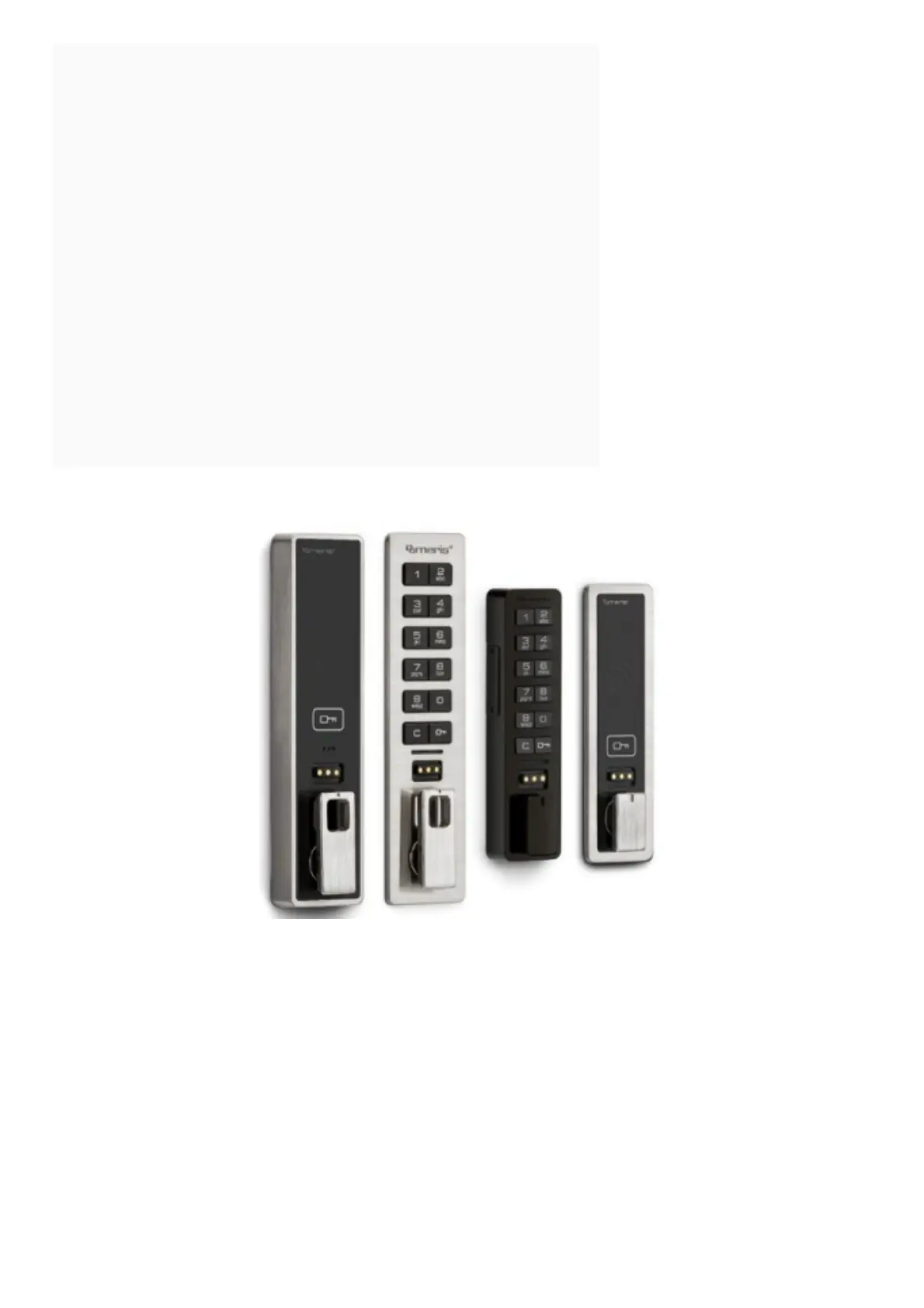
Versa Hybrid Smart Loe ·s with an RFID interface are operated by an RFID credential or by Mobile ID. The Digilink
network application
simp1 fies lock management, and ad min and manager credentials allow for management access.
LOCK ORIENTATION



 To Next Page