b. Power on timing: Set the time for the totem to power on.
c. Power off timing: Set the time for the totem to power off.
Note: The power off time should be longer than power on time. The time
options should be in order, from the earliest to the latest time.
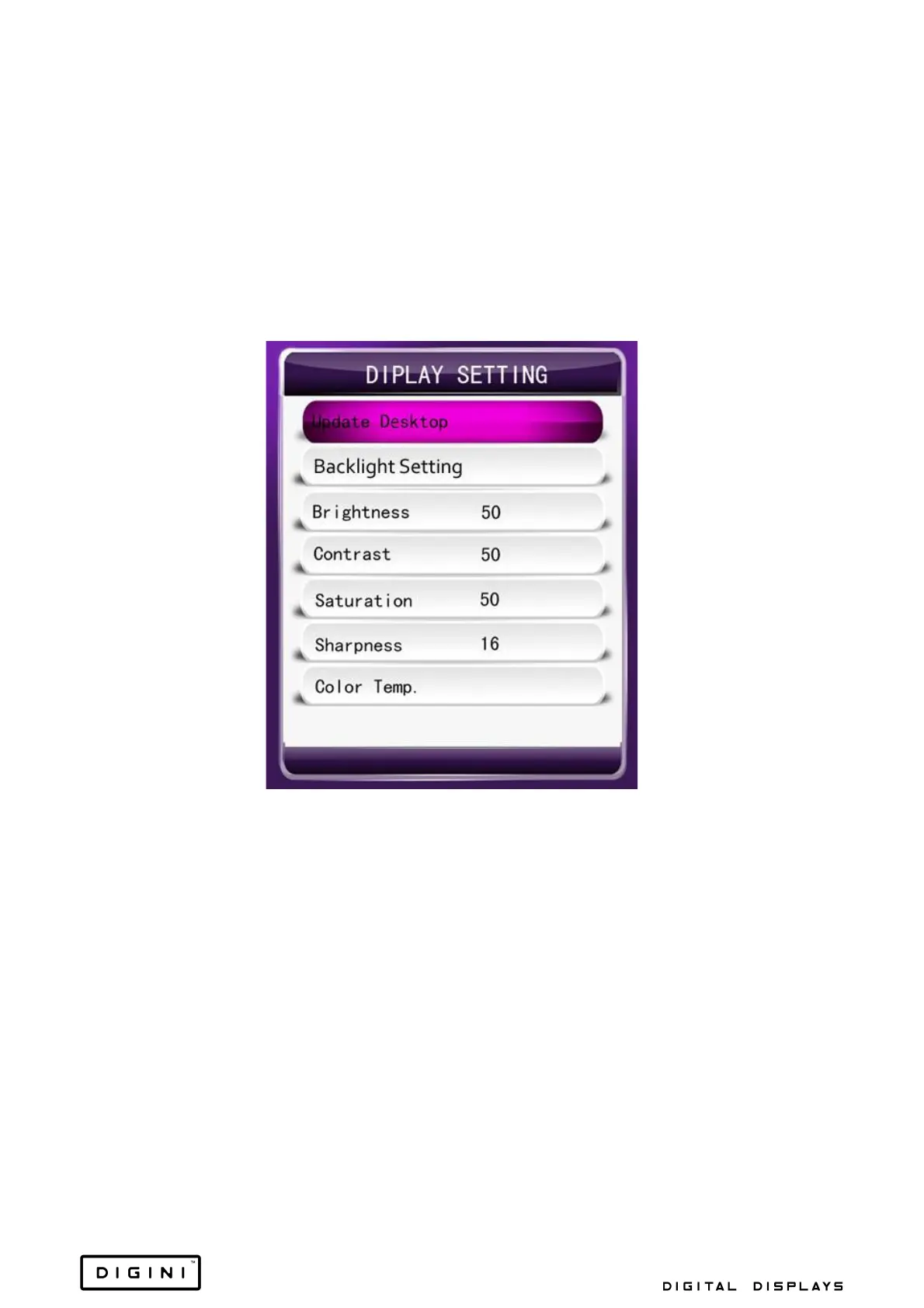
Display Setting
1. Update Desktop: To change the background picture of the menu, set
the “priority storage” to USB, copy the new background picture to USB,
then name the picture “menu_bg_h.jpg” for horizontal "menu_bg_v.jpg”
for vertical.
2. Backlight Setting: Change the settings of the machines backlight.
3. Panel Backlight: Adjust the voltage of the backlight (1-10), with one
being the lowest (0.20v) and ten being the highest (5v).
4. Time Backlight: Set the time backlight to on or off.
5. Time Backlight Set: Set the backlight of the machine to night or daytime
accordingly. You can also set the start time of the backlight settings.


 To Next Page