1. File Manage: This allows you to view the files in storage. Use the remote to
navigate and select a file. Press the play button to play the file or DEL to
delete the file.
2. Update Storage:
a. Del.Old Files: Delete the files in storage then copy new files from the
USB.
b. Add Files: Copy the files from theUSB into storage but do not delete the
old files.
3. Format Local Disk: Format the local storage.
4. Priority Storage:
a. Internal Disk: Play the files in local storage.
b. U Disk: Play the file from the inset USB, if there are no playable files
on the USB, it will play the local storage files.
5. Copy By Local ID: If turned on, it will copy files from the USB with the Local
ID. For example: If the machine Local ID is set to “00001”, create a folder
with the name “00001”, put the files in the folder, insert the USB, and it
will then copy the 00001 files to the machine.
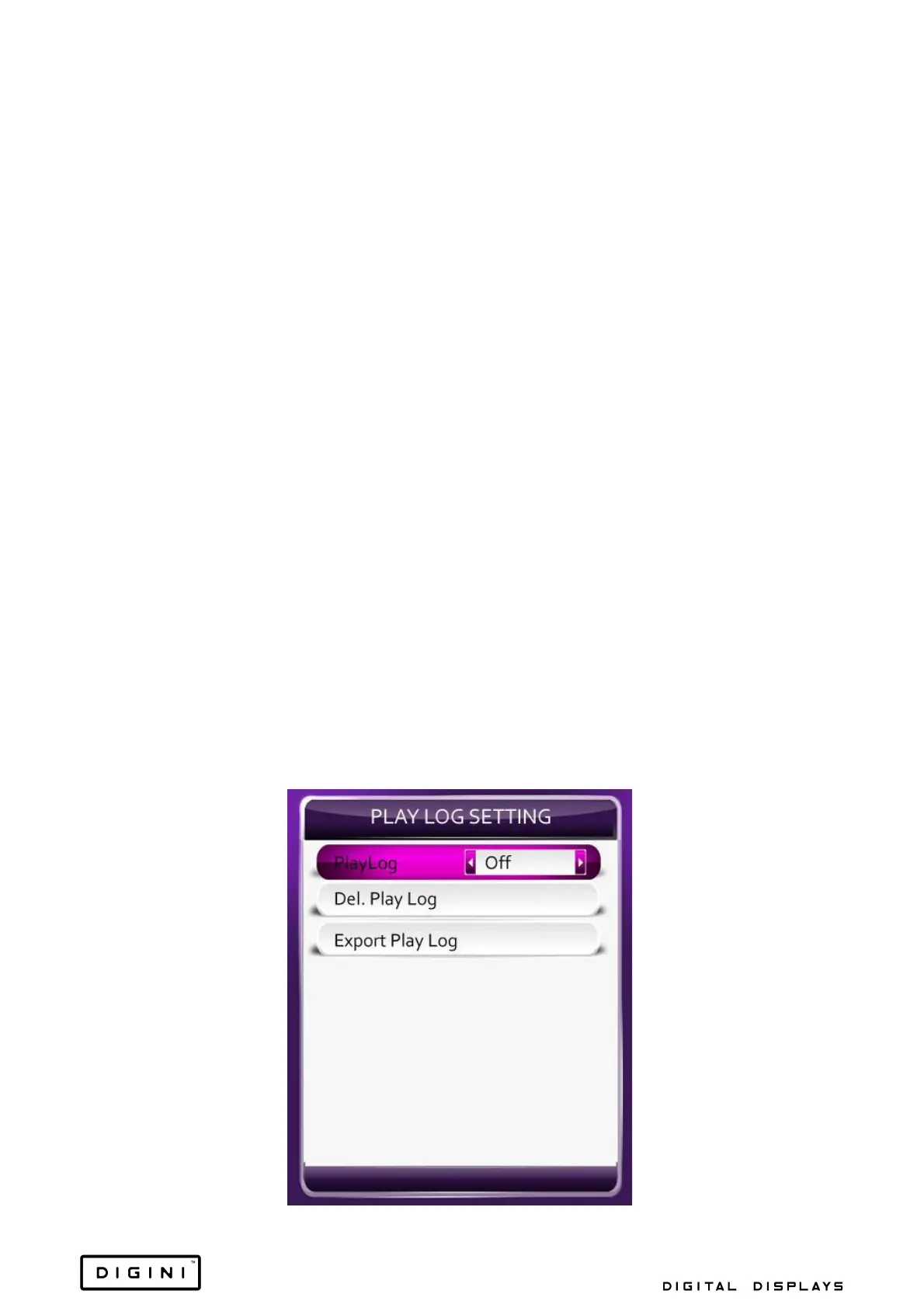
6. Play Log Setting: If the play log is set to on, it will record the time and
name of the file in play to “T10_PLAYLOG.TXT” within the internal disk.


 To Next Page