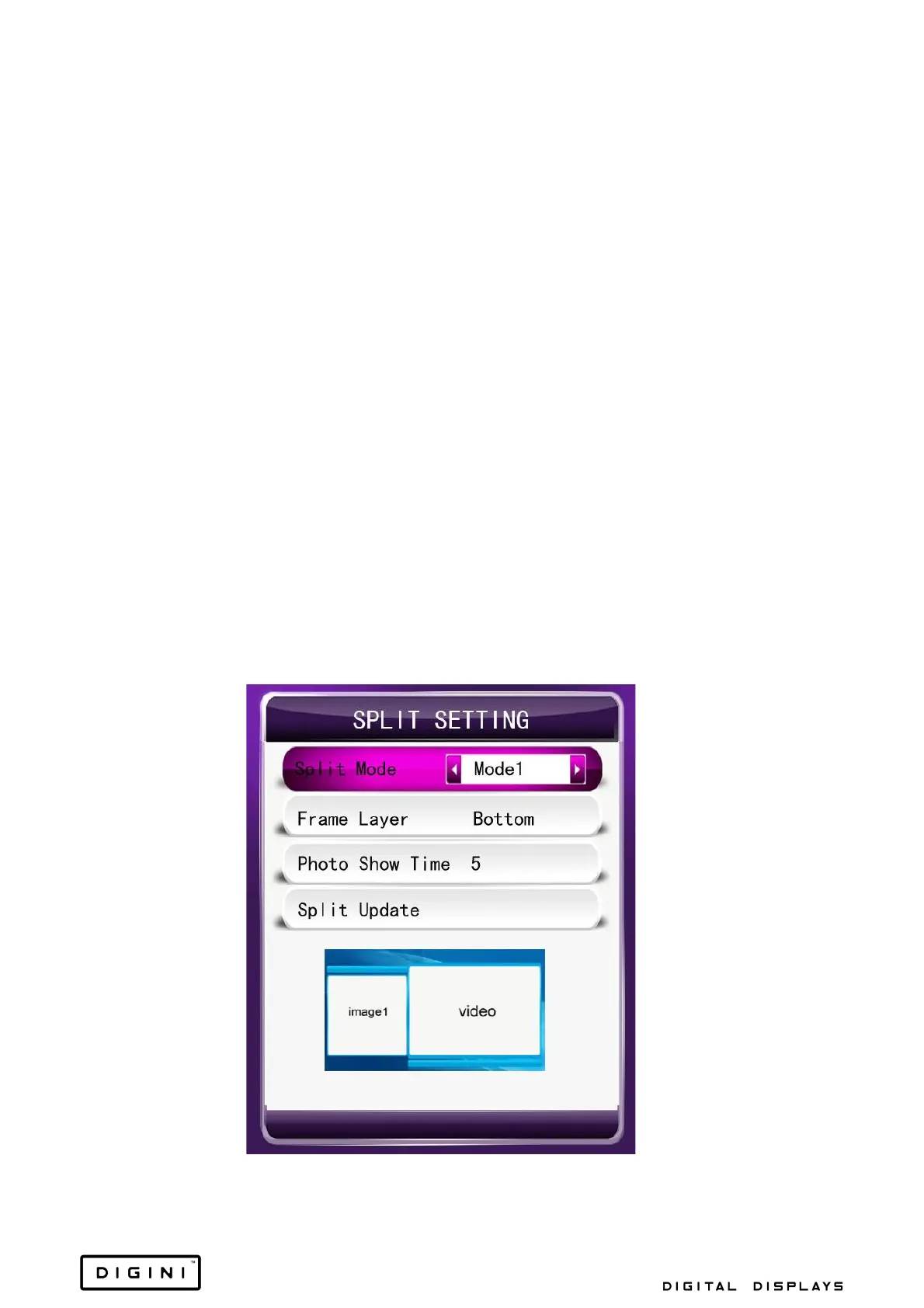
1. Photo Show Time: Set the amount of time before changing into the next
picture when displaying a slideshow.
2. Play Type:
a. Picture: Only play the picture files from the root of the catalogue.
b. Picture-Music Sync: Play the pictures with the background music
repeatedly.
c. Video: Only play the video files from the root of the catalogue.
d. Pic Video: Play both picture and video files.
e. As list: Play according to the list.
f. Split Screen: Play according to the split screen.
g. All: Play all of the files that can be identified (includes root files
and split files, but does not include the playlist file).
3. Photo Slide Mode: Set the switch mode of pictures.
4. Scaler Mode: Set the display scaler mode of pictures.
5. Split Setting:


 To Next Page