8. FAQ
Q: How can I convert my video to a compatible format?
A: If the video file is not playing properly on the screen or it does not meet the requirements of the
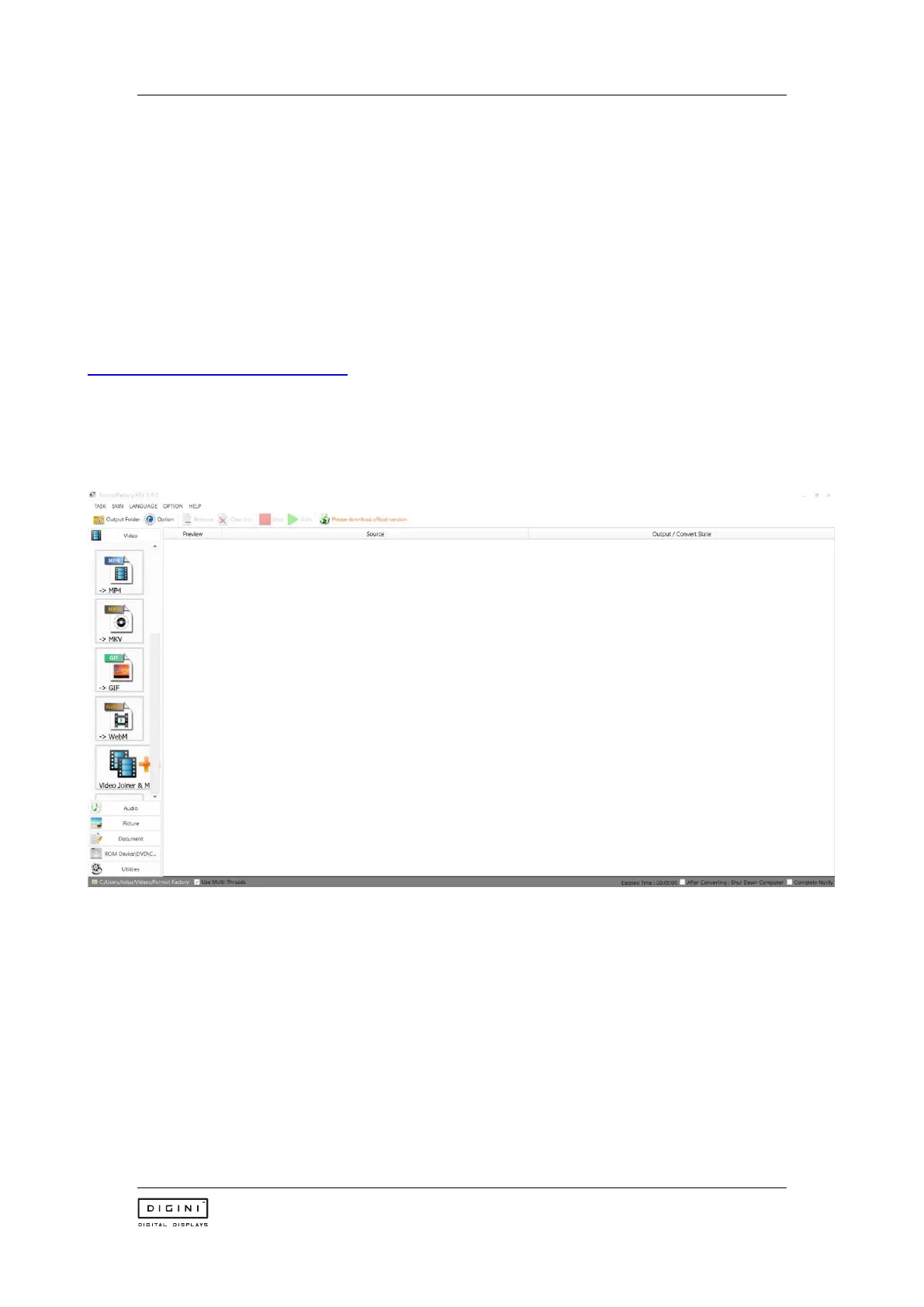
Supported Video Formats table, please use the following free Video Converter tool, Format Factory.
Step 1:
Download and install the free Video Converter software for Windows Vista/7/8/10/11 named “Format Factory”.
https://format-factory.en.softonic.com/
Step 2:
Open the Format Factory software once installed.



 To Next Page