DG-BR5411QAC User Manual
44
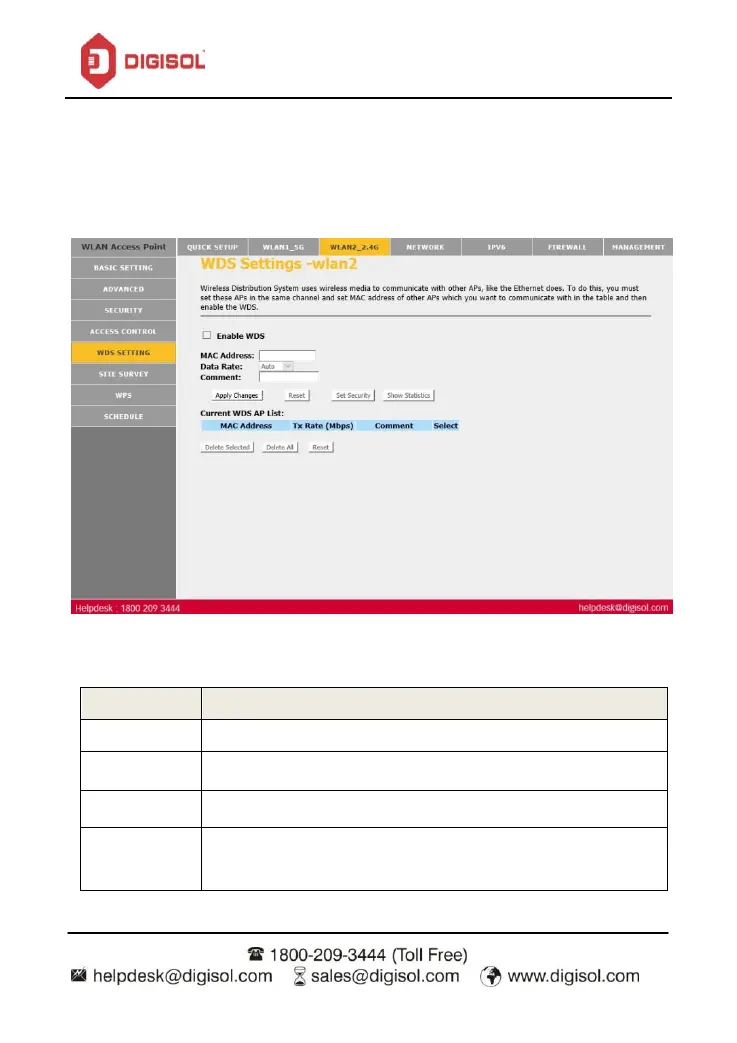
4.5 WDS Settings –WLAN 2.4GHz
Wireless Distribution System uses wireless media to communicate with other APs, like the
Ethernet does. To do this, you must set these APs in the same channel and set MAC address of
other APs which you want to communicate with in the table and then enable the WDS.
Click on ‘Enable WDS’. Enter the MAC address and click on ‘Apply Changes’
Check this box to enable WDS.
Wireless MAC address of the AP to be connected.
Add comment for the WDS AP.
All the MAC addresses of the AP to be connected will be listed here


 To Next Page