DG-BR5411QAC User Manual
45
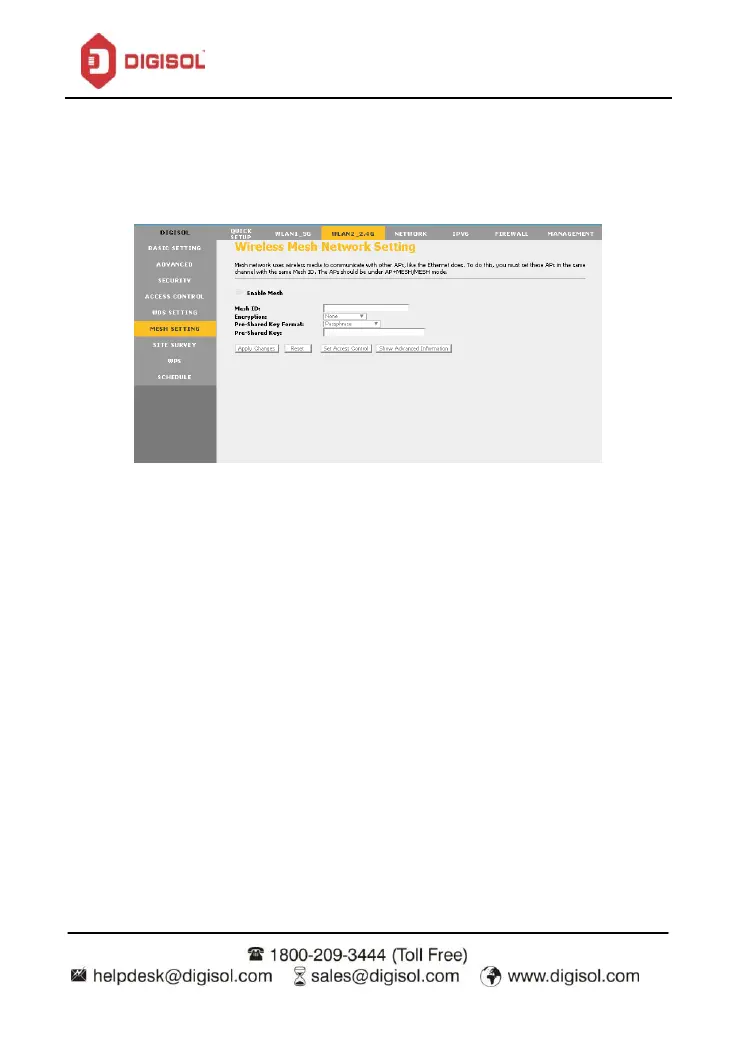
4.6 Wireless Mesh Network Setting
Mesh network uses wireless media to communicate with other APs, like the Ethernet does. To
do this, you must set these APs in the same channel with the same Mesh ID. The APs should
be under AP+MESH/MESH mode.
Click on ‘Enable Mesh’ option. Enter Mesh ID. Select encryption as none / WPA2. Enter the Pre-shared
key.
Click on ‘Apply Changes’


 To Next Page