1 Xover Submen
Push "MENU" button, use "BACK" "NEXT" "ENTER" to adjust X-OVER submenu,
include:
Load a xover: adjust a stored mode.
Design a xover; design a xover mode, include a mode type, stereo connect control,
input channel adjustment.
Store a xover: Store all output setting of a X-OVER. There are 10 user memory. Each
memory may have a name contains 16 letters. If the memory name is not edited, it is stored
under the corresponding mode name.
Erase a xover: Deltete a stored mode.
2 Security submenu
Push MENU botton adjust Security Submenu by BACK NEXT , ENTER
The locking mode as follows:
Change only: Parameters can be viewed, can not be adjusted. MUTE is valid
Change +View: Parameters can not be viwed, can not be adjusted. MUTE is valid.
Change +Mutes: Parameters can be viwedd, can not be adjusted. MUTE is not valid
Everything: Parameters can not be viwed, can not be adjusted. MUTE is not valid.S
Select a lock type and push Enter button
A Push BACK & NEXT shift the cursor turn round PARAM to change the
character
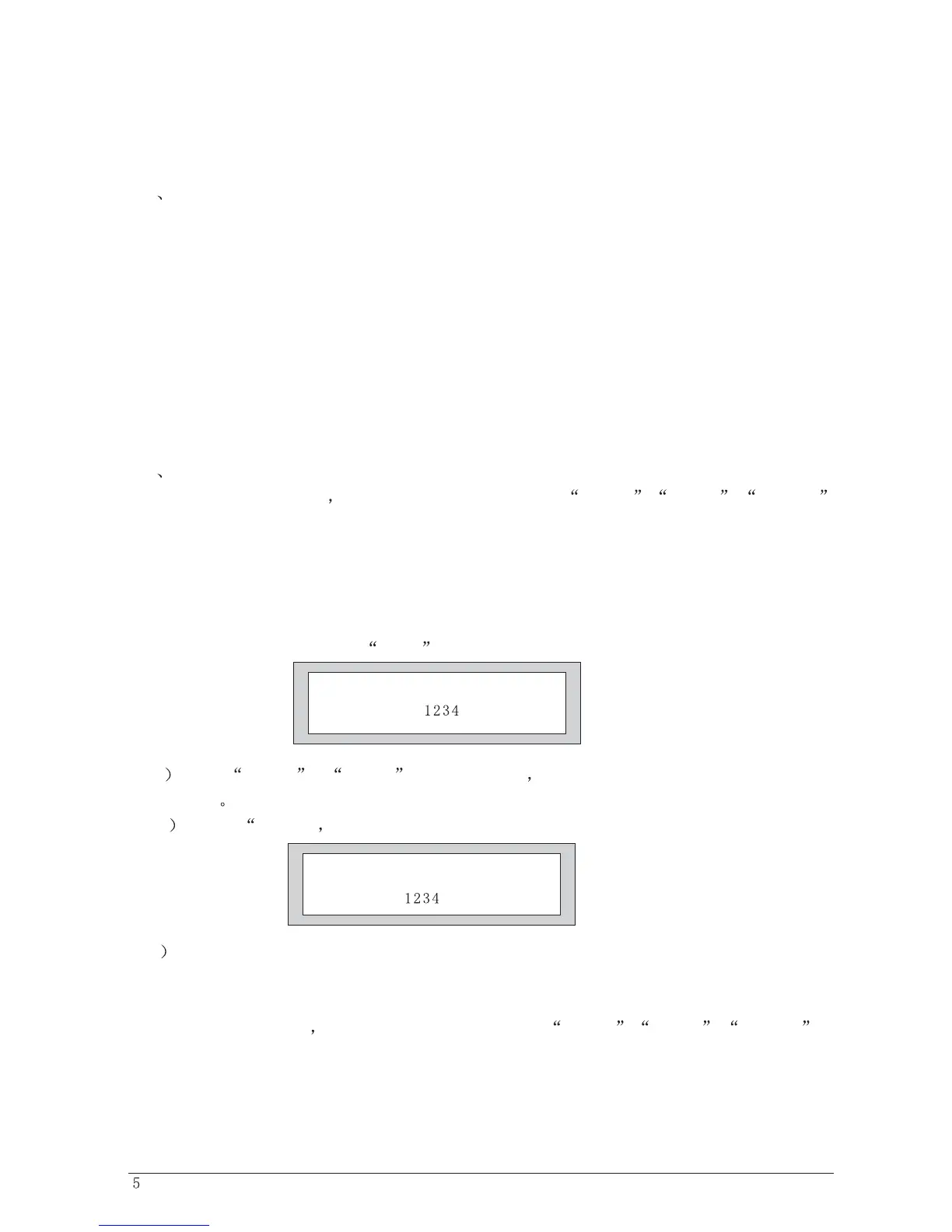
B Push ENTER comfirm the password and display as follows.
C Repeat procedure A and push ENTER button.
D) System is locked when the password is same, or the locking operation is invalid.
3, SYSTEM SUBMENU
Push MENU botton adjust Security Submenu by BACK NEXT , ENTER
SystemSubmenu as follows:
Input option: setting A, B input link control channel.
Enter Security Code
[]
Confirm Security Code
[]
OPERATION


 To Next Page