Operation Instruction
(1)Select store file:turn[FAST/EDIT] to select user memories 1~16,press
[PUSH/ENTER] confirm. If the selected memories already stored program,show the
program name with"?" , If the selected memories is empty, show"Unused".
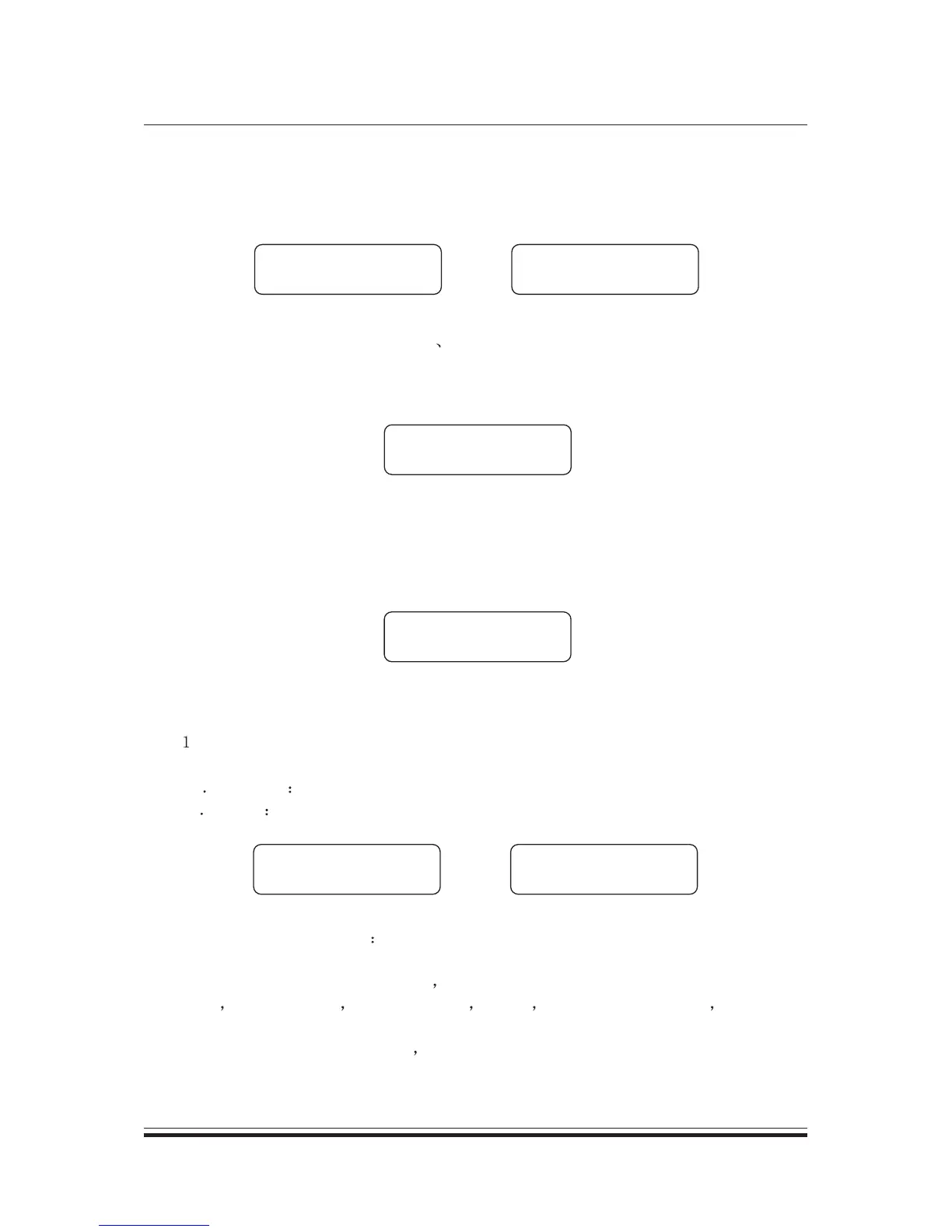
See Fig. 2
Fig 2
STORE
1 ALL FLAT ?
STORE
2 Unused
(2)Edit program name:press[CH-] [CH+] to move the cursor position, press
[FAST/EDIT] to select charater.Press [PUSH/ENTER] confirm. Max 10 characters
for the program name.
(3)Confirm store: See below picture Fig. 3.
[NETER] TO STORE
2 DEMO
Fig 3
Press[PUSH/ENTER]confirm, press other button to return main menu.
3.2 Recall
Press [RECALL] to enter program recall menu. If the program locked, show as Fig 4.
Program sector
locked
Fig 4
And then return to main menu.
( )Select recall program type:turn [FAST/EDIT] to select program type,
press [PUSH/ENTER]confirm.
A PRESET preset program;
b USER user memories program;
Fig 5
RECALL
[PRESET]
RECALL
[USER]
(2)Select recalled program turn [FAST/EDIT] to select program type,
press[PUSH/ENTER] confirm.
A.If the program type is PRESET total 5 presets can be selected.They are:2*2
Way 1*3 Way+Sub 2Way mon Sub 4 Way All Flat. And 2*2Way 2Way mon
Sub has LINK function.
B.If the program type is USER show the programs which the user stored,
no display no stored program. See Fig 6.
6


 To Next Page