II:ONLINEMODE
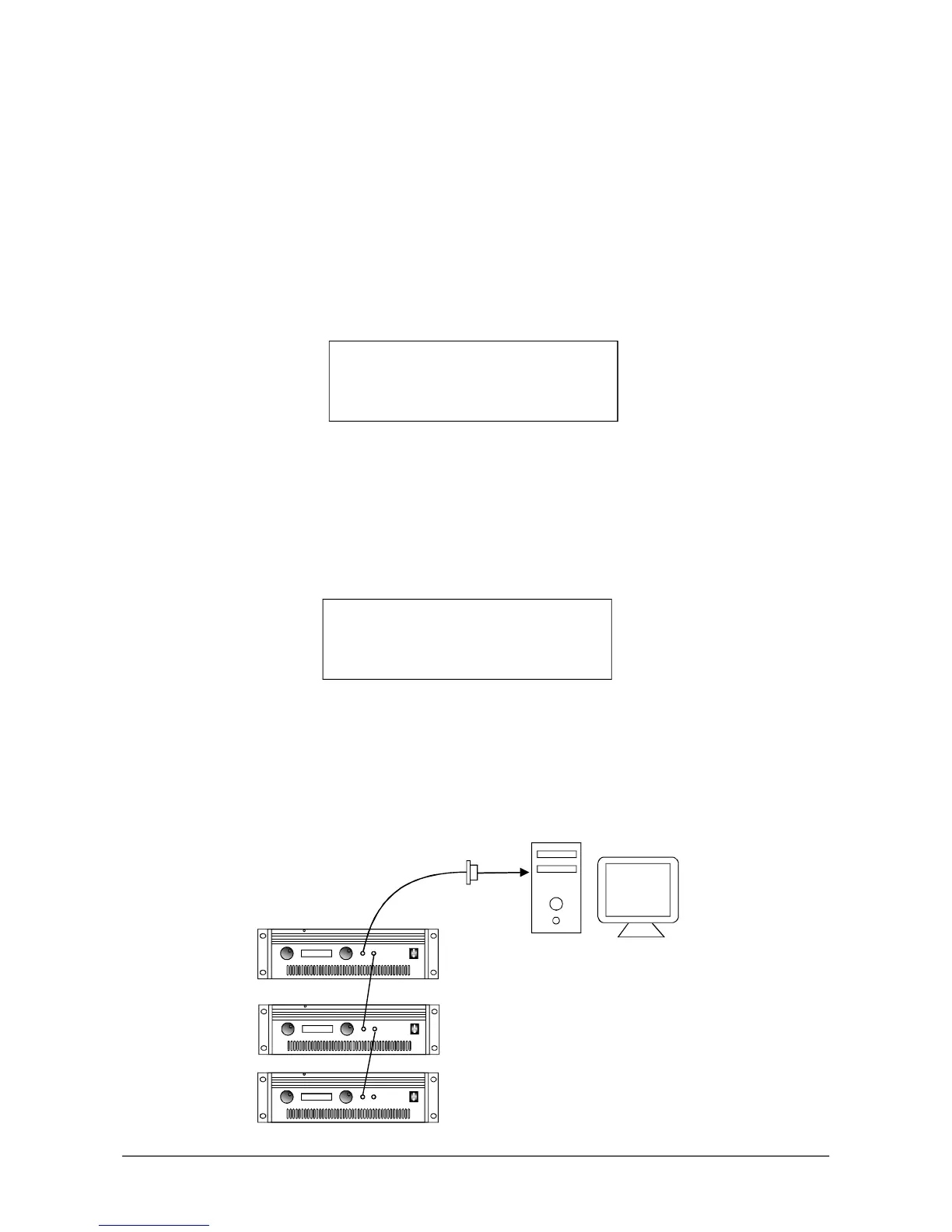
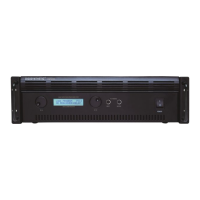
1.ConnecttheamplifiertoPCwiththerightcable:insertoneendotcableinto
parallelportof
PCandtheotherendintothePCREMOTEinthefrontpanelofamplifier.StartDSP6
testingsoftware.
2.CONNECTION
ClicktheDebugbuttonandthenclickConnect.Selectonedevicenumber(1-
255).Ifthisnumberis
thesameastheamplifierID,theLCDshowsasfollows:
Atthattime,thesystemcanbetestedbyDSP6software.Allthefunctionsunder
theofflinemodeisnotvalid.
.
3.DISCONNECT
ClickDebugbuttonandthenclickDisconnect,theLCDshowsasfollows:
Thenthesoftwaretestingisnotvalid.Thesystemreturntheofflinemode.
Regardingtheoperation
ofDSP6software,pleaserefertotheonlinehelpofit.
CONNECTCANCEL
MCU_CONTROLDEVICE
CONNECTSUCCESSFUL
PC_CONTROLDEVICE
77
#1
#2
#3
DIGISYNTHETIC
R
DSP3200
24BITDSPSTEREOPOWERAMPLIFIER
48KHzSAMPLINGRATE
CHB
OUTPUTINPUT
PCREMOTE
CHA
POWER
DIGISYNTHETIC
R
DSP3200
24BITDSPSTEREOPOWERAMPLIFIER
48KHzSAMPLINGRATE
CHB
OUTPUTINPUT
PCREMOTE
CHA
POWER
DIGISYNTHETIC
R
DSP3200
24BITDSPSTEREOPOWERAMPLIFIER
48KHzSAMPLINGRATE
CHB
OUTPUTINPUT
PCREMOTE
CHA
POWER


 To Next Page