Page 5 of 5
LED Indicators
Intercom LEDs
There are four LEDs present on the front of the product. These LEDs
indicate status of the unit.
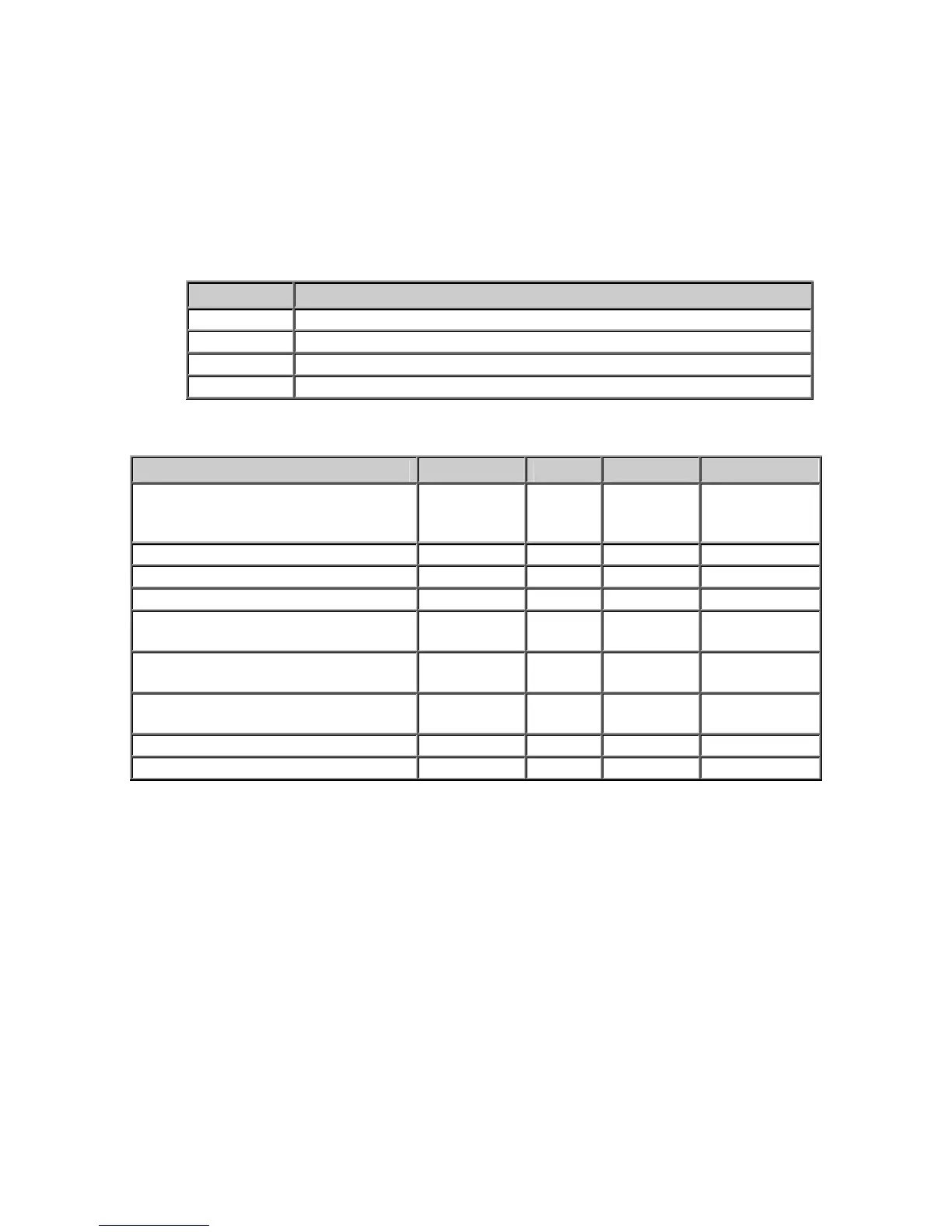
LED Description
Active Indicates whether the unit has connected to a Server
Link Indicates whether the unit has a valid network Connection
Monitor Indicates whether the remote end is being listened to
Talk Indicates whether audio is being transmitted or received
LED Status Table
Description Active Link Monitor Talk
Normal operational mode.
Intercom can communicate with
its Server
On On Off Off
Playing Audio On On Off Flashing
Playing Broadcast Audio Fast Flash On Off Flashing
Sending Audio On On Off On
Waiting for a connection or unit
has not been configured
Slow Flash On Off Off
LAN connection is inactive. The
RJ45 may be unplugged
Slow Flash Off Off Off
Unit has been detected by the
Intercom Configuration Tool
Fast Flash On Off Off
Server Mode – Monitoring Client On On On Any
Server Mode – “Door Open” Sent On On Flash Any
LAN Connector LEDs
On the Ethernet 10/100 RJ-45 connector:
• The Green LED tracks to the Ready LED
• The Yellow LED tracks to the Link LED



 To Next Page