24
Digital Zoom
4.00X 4 x Digital Zoom
3.00X 3 x Digital Zoom
2.00X 2 x Digital Zoom
1.00X 1 x Digital Zoom
Setting the flash mode
In low light conditions it is best to use the built in Flash. You can also use the flash to compensate for backlight
conditions.
To set the Flash:
Manual Flash: Press the Flash button
once, the Manual Flash icon will appear on the upper right side
of the LCD monitor indicating that the Manual Flash mode is in effect. The Flash will now be used for each
photo taken.
Auto Flash: Press the Flash button
twice. The Auto Flash icon will appear on the upper right side of
the LCD monitor indicating that the Auto Flash mode is in effect. The camera will automatically determine
when to use the flash.
Flash Off: Press the Flash button
3 times. The Flash Off icon will appear on the upper right side of
the LCD monitor indicating that the Flash is turned off.
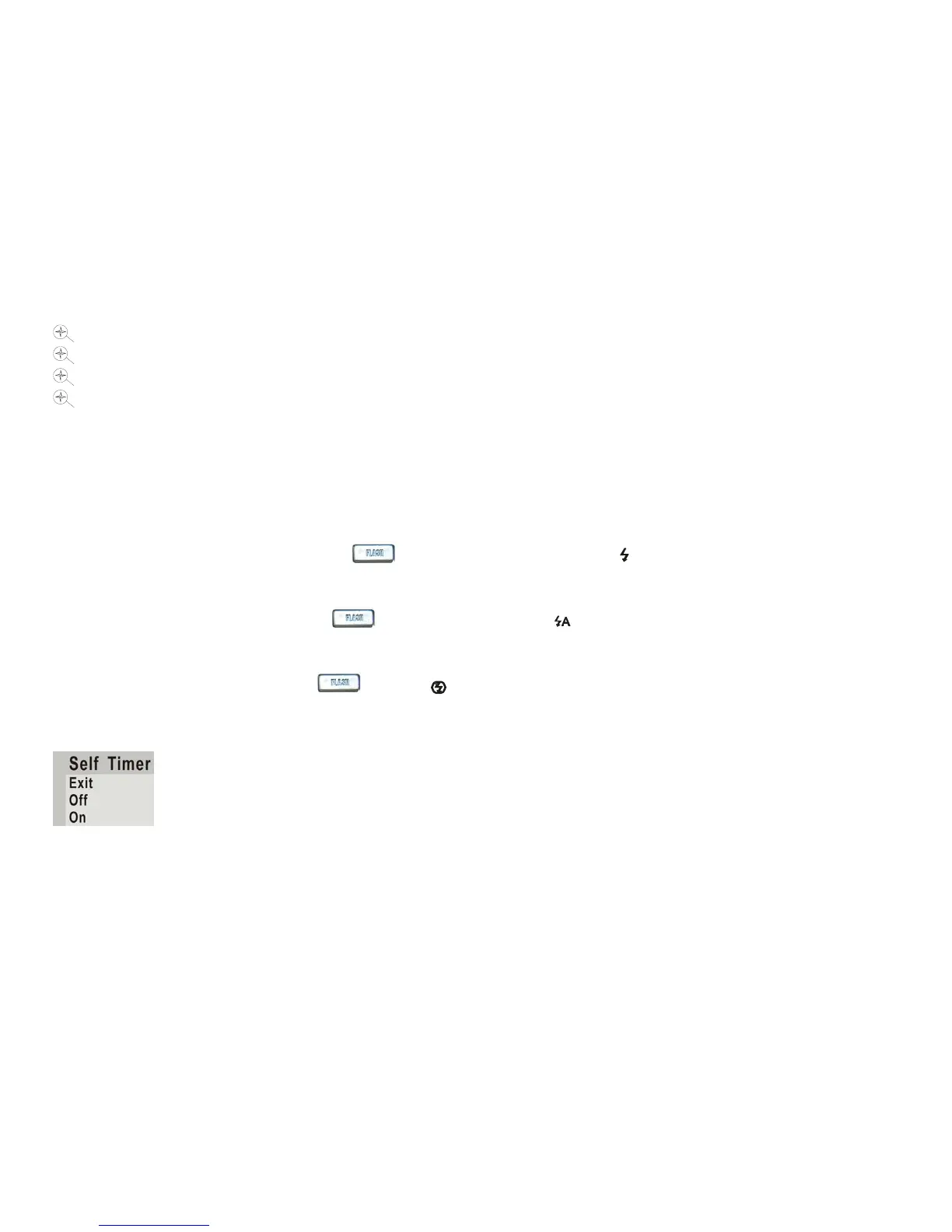
Setting the Self Timer
You can include yourself in the photo by using this feature to delay the time between your pressing the shutter
and when the photo is taken. It is recommended that you use a tripod when you use the self timer.


 To Next Page
 Loading...