33
Manual- Get photos manually using “PhoTags Express”
Use the “PhoTags Express” program to import the photos from your camera.
1. Plug one end of the USB cable into the USB slot on your camera.
2. Plug the other end of the USB cable into a USB port on your computer.
3. Make sure that your camera is connected and turned on.
Double-click the “PhoTags Express” icon that is on your desktop to launch the “PhoTags Express”
program.
Set camera to MSDC mode using the Normal/Playback button.
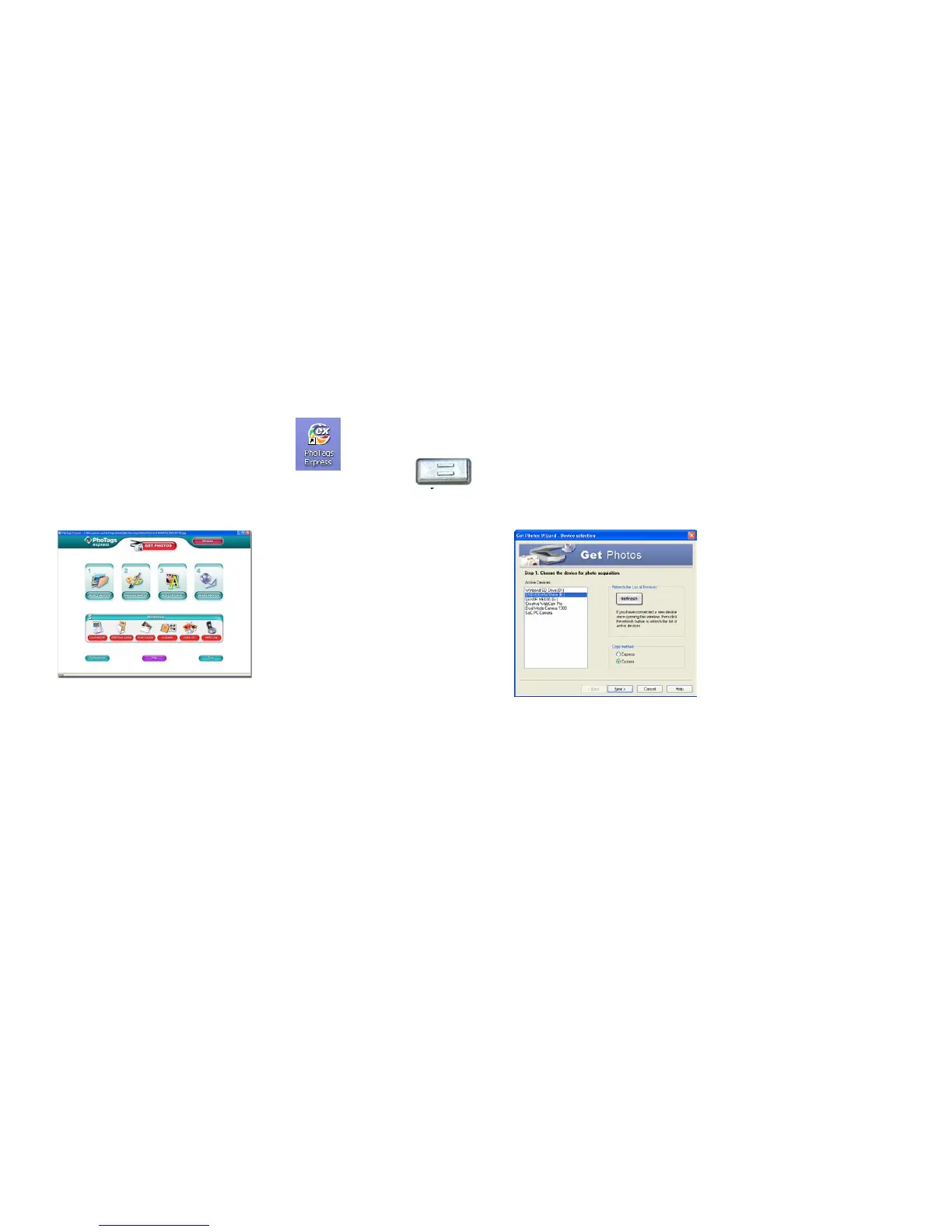
Click on the “Get Photos” button on the Main
Menu.
The “Device Selection” mode will appear. Both
your camera and memory card will appear in the
“Active devices” list as a “Removable disks”.
Toggle between the two devices to select
pictures.


 To Next Page