8
4Cabling
1. NETWORK CONNECTIONS – If you are using a PoE Switch, connect the camera using
an Ethernet cable for both data and power.
2. NETWORK CONNECTIONS – If you are using a non-PoE switch, connect the camera to
the switch using an Ethernet cable for data transmission and use a power adapter to
power the camera.
Use the diagram below to connect all external devices to the camera:

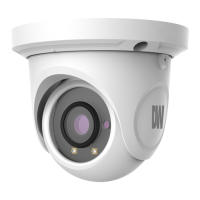

 To Next Page
 Loading...