User’s Manual
How to use EDID Emulation Mode
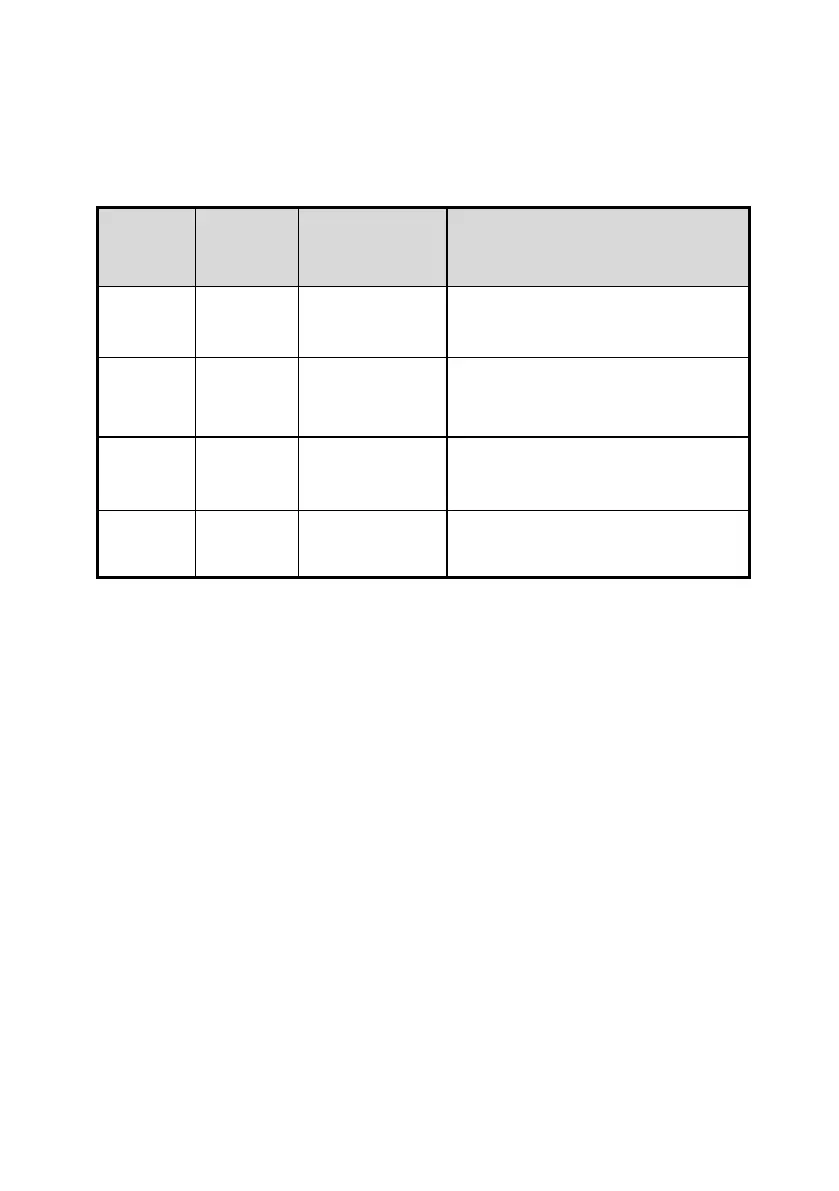
1. Dynamic mode
Intersection of all those display devices
Video : Intersection of all those display
devices
Audio: it takes maximum value.
Follow EDID information of the display
device connected 1
st
HDMI output.
Joining EDID information of all those
display devices.
How to set Dynamic mode.
1. Keep touching “F” key on front over 2sec.
2. LEDs For FE2 and FE3 are blinking.
3. Select No. 1~4.
4. LED for the selected function (between FE1 ~ FE4) will be turned on and then
completed the setting.


 To Next Page