EasyManua.ls Logo

DigitalZone S5 Series - Static Mode

DigitalZone S5 Series
30 pages
Print Icon
To Next Page IconTo Next Page
To Previous Page IconTo Previous Page
Loading...
HDMI Splitter
2. Static mode
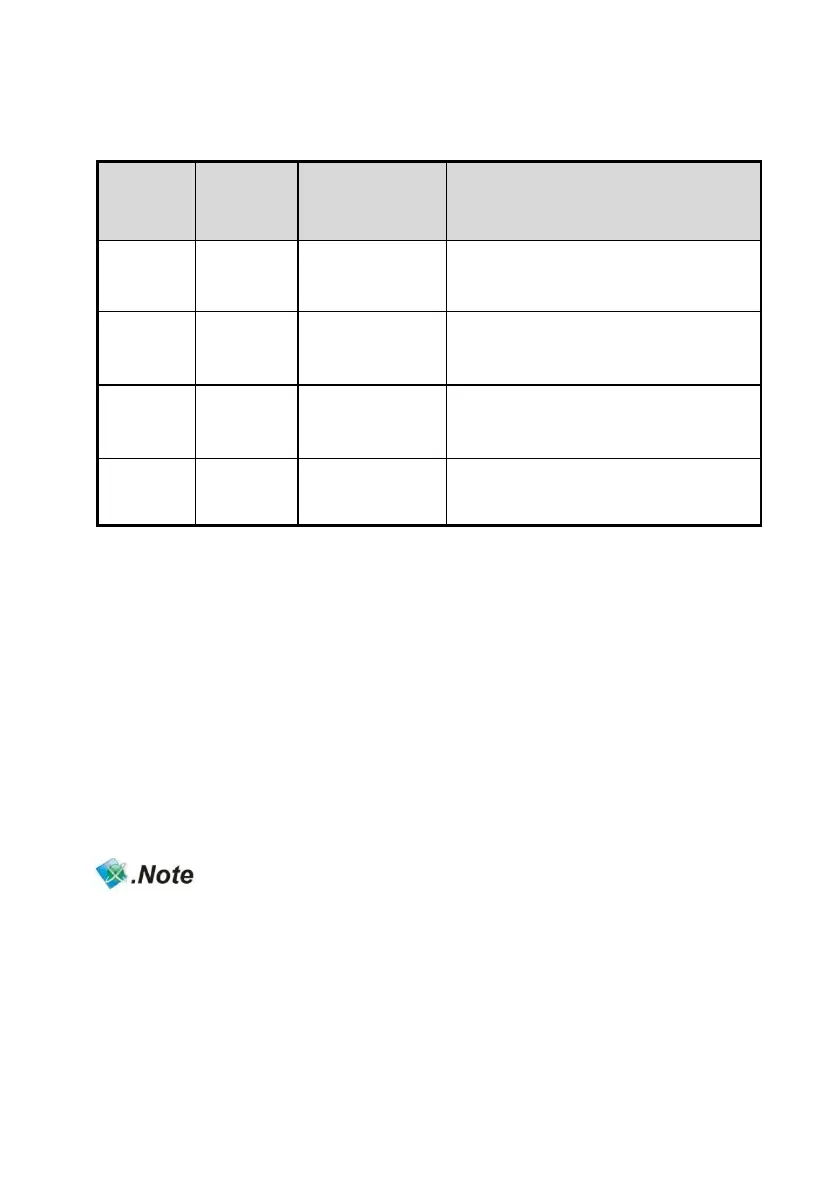
Function
Number
Mode
Summary
Description
F5
720P
Force 720p
Audio : 2Ch, PCM
Video : 720p/50,60Hz
F6
1080i
Force 1080i
Audio : 2Ch, PCM
Video : 1080i/50,60Hz
F7
1080p
Force 1080p
Audio : 2Ch, PCM
Video : 1080p/50,60Hz
F8
4K
Force 4K
Audio : 2Ch, PCM
Video : 2160p/30Hz
How to set Static mode.
1. Double-click “F” key.
2. LEDs For FE1,FE4 are blinking.
3. Select No. 1~4.
4. No.1->F5 No.2->F6 No.3->F7 No.4->F8
5. LED for the selected function (between FE1 ~ FE4) will be blinking and then
completed the setting.
- When above functions are selected, “FE1~FE4” LED will be ON.
- In case of using remote control, select F1~F8 after pressing "F" key.

Related product manuals