Specification
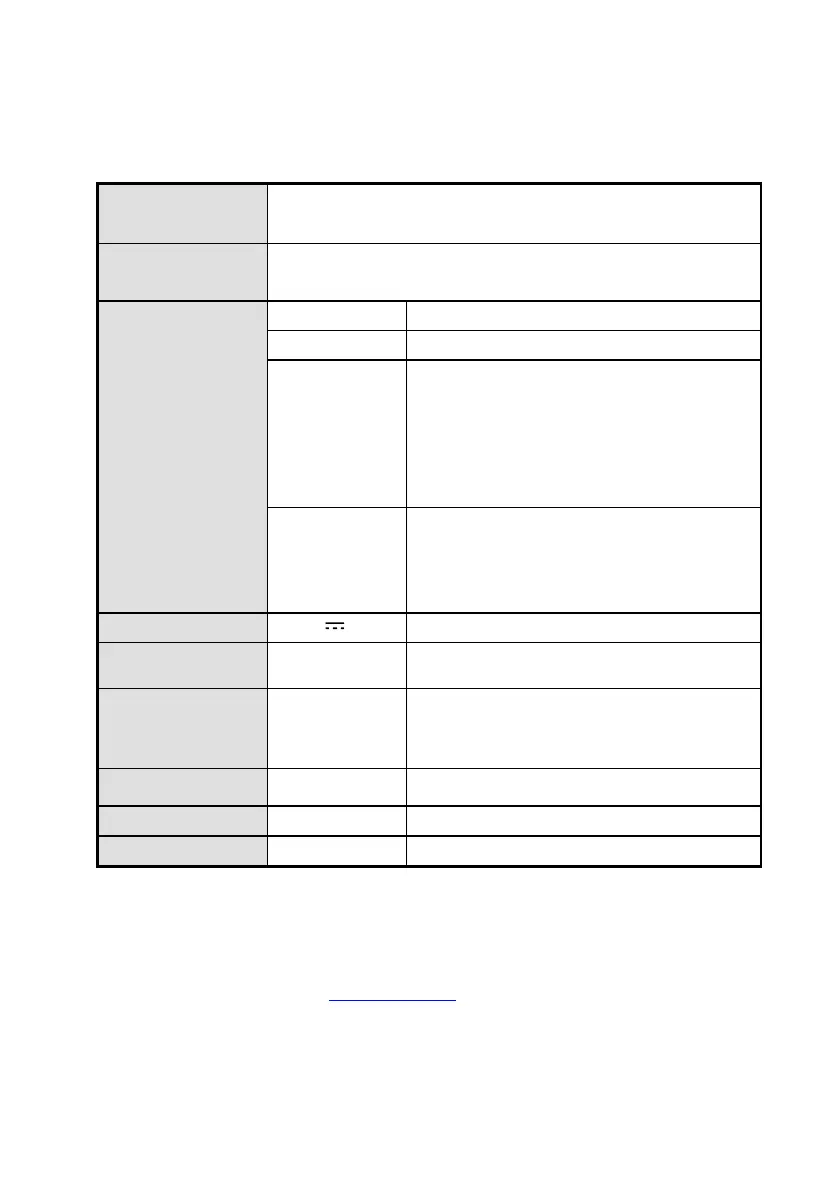
2EA (Model: HVS-5204 / HVS-5208)
4EA (Model: HVS-5412 /
HVS-5416)
4EA (Model: HVS-5204), 8EA (Model: HVS-5208)
12EA (Model: HVS-5412) , 16EA (Model: HVS-5416)
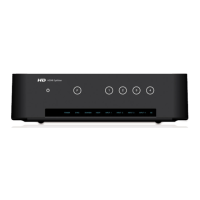
POWER : On / Off
SYNC : Indication of valid input signal
HDCP: HDCP being used
FE: Function selection status
Input:: Input Select status
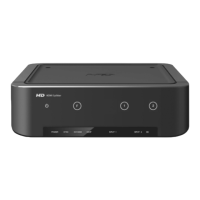
POWER : Power ON / OFF
F: EDID Emulation Mode Select
1 ~ 4: HDMI input selection or mode
Higher refresh rate (~120hz)
Colorimetry RGB / YCbCr / xvYCC, 4K
Supporting faster input selection
EDID Emulation mode supporting
Troubleshooting for no power
- Check if LED light on the front is turned on.
- Make sure the power cord connectors on both ends are firmly attached.
Please refer to the webpage, www.dzonei.com for more detailed information for the
troubleshooting


 To Previous Page