Controller 16 is a MIDI continuous controller that can be used to select
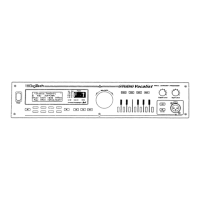
key and harmony together. The Studio Vocalist EX’s front panel key-
board and softkeys transmit this information over MIDI when you press
them and can be recorded and played back from a sequencer. Each button
has its own CC16 value and is shown in the following graphic:
MIDI Notes give you another way to combine program changes and key
and harmony changes into one MIDI channel. Each MIDI note in the fol-
lowing reference table represents both a key and a style in a single mes-
sage. Select your key or chord root from the octave matched to the soft-
key you want.
36



 To Next Page