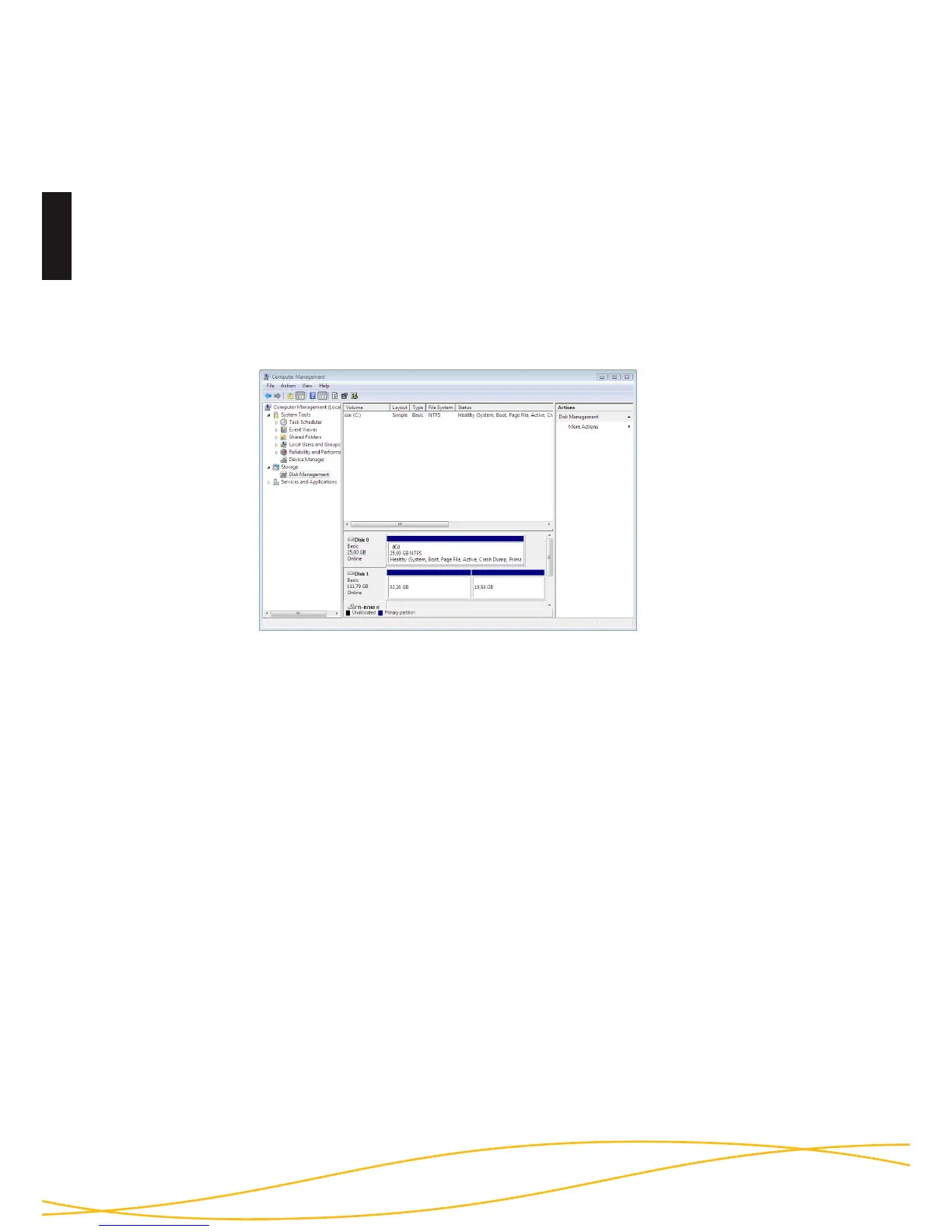
Please follow the instructions to customise the le system, partition size
and number of partitions.
- Go to “control panel” and double click on “Administrative Tools”.
- Open the “Computer Management” and choose “Disk Management”.
- Choose with your mouse the external HDD and open the context menu
using the right mouse button.
- choose the menu item “Formatting” to format the hard disk
Note: All data will be deleted irrevocably and cannot be restored after
formatting.
Partitioning / Formatting using Windows



 To Next Page