Product description:
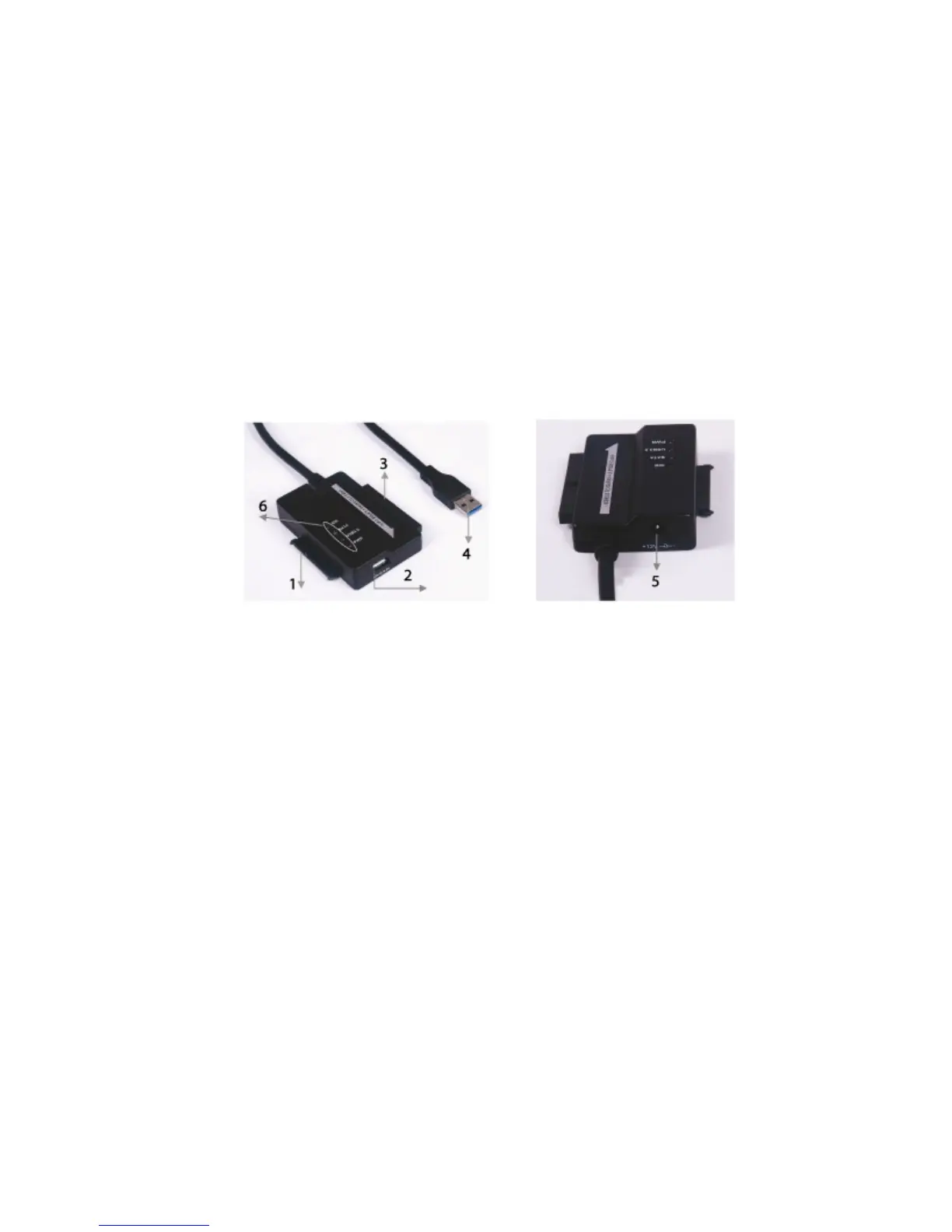
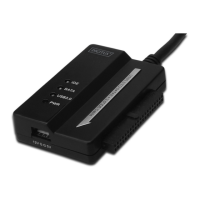
1. Connect the SATA 2.5" / 3.5" hard drive
2. The 4 Pin Power port is available to supply power for the 3.5” IDE
hard drive
3. Connect the 3.5” IDE hard drive
4. Connect the hard drive’s USB 3.0 port with the USB 3.0 host of your
computer
5. DC power input
6. LED INDICATORS:
SATA: It will keep flashing when it is detecting the 2.5’’/3.5’’
SATA hard drive and during the data transfer
IDE: It will keep flashing when it is detecting the 2.5’’/3.5’’
IDE hard drive and during the data transfer
USB3.0: For USB 3.0 cable to your computer
Power: 12V power on


 To Next Page