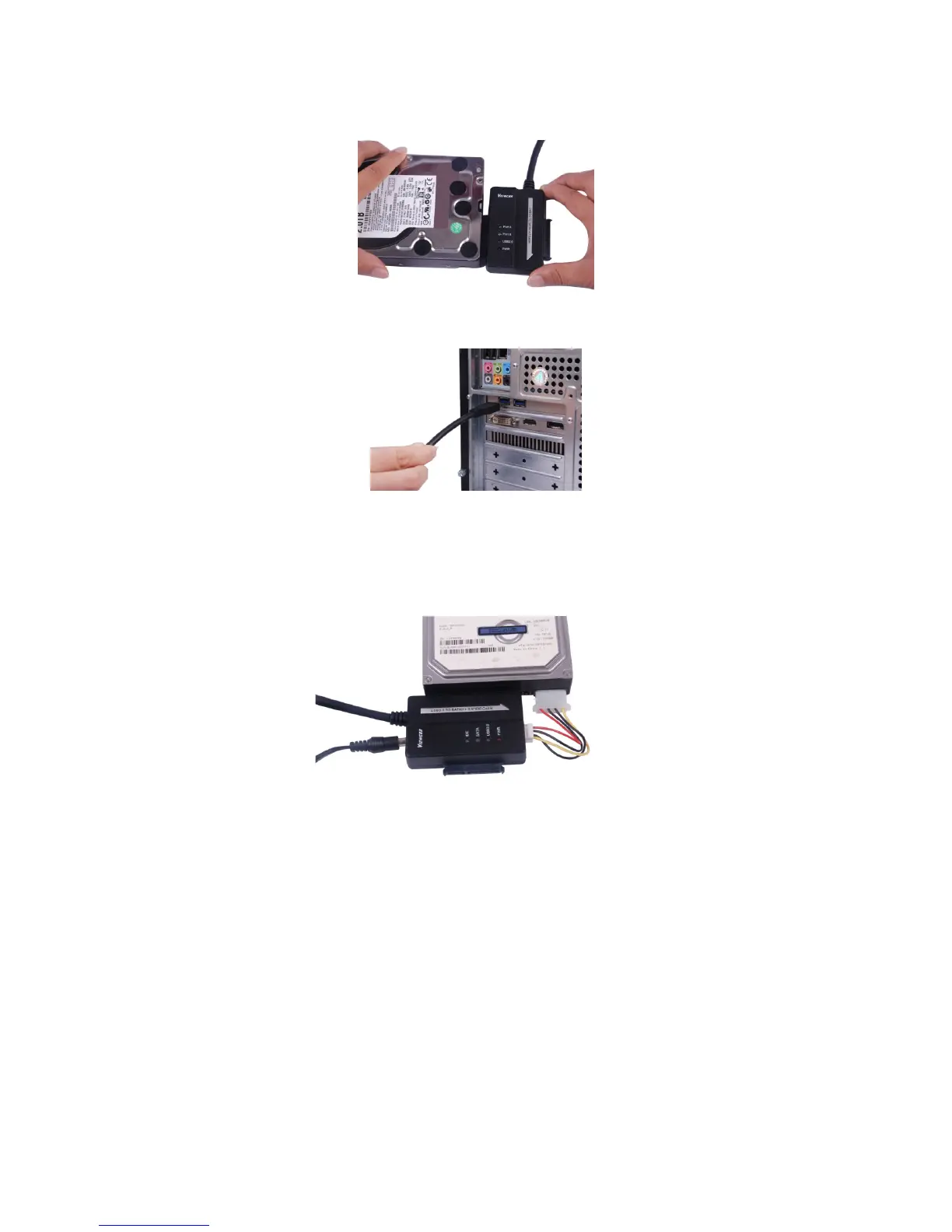
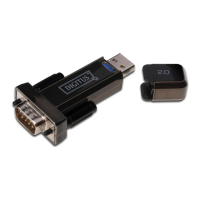
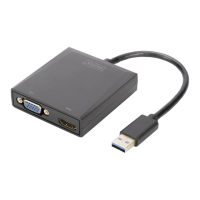
Connect 3.5’’ IDE hard drive:
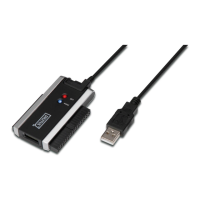
1. Have the 3.5’’ IDE hard drive available to connect it with the USD 3.0
TO SATA & IDE CABLE.
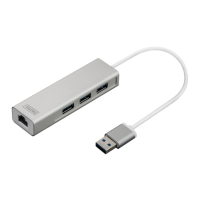
2. Have USB 3.0 A Male available to connect it with your computer.
3. Have the external Power Adapter available to connect it with the
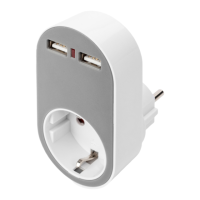
USB 3.0 TO SATA & IDE CABLE. Have the small power splitter
available to connect it with the USB 3.0 TO SATA & IDE CABLE and
the IDE hard drive. Then, turn it on. It will detect the IDE hard drive.


 To Next Page