Need help?
Do you have a question about the Diivoo SOP10 and is the answer not in the manual?
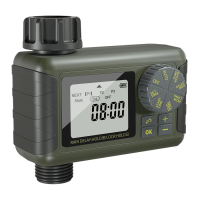
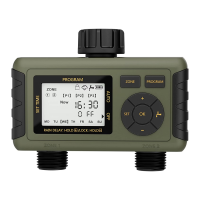
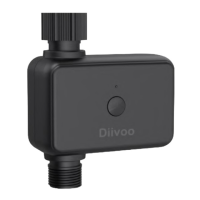
Details the hose faucet connection and the integrated filter for the water timer.
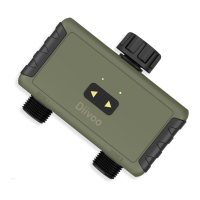
Identifies the LED Light and ON/OFF Button for timer operation.
Specifies the outlet fitting (NH3/4") and operational ranges (pressure, temperature).
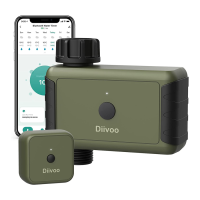
Details key features on the app's home screen like Battery Life, Weather, Status, and Controls.
Instructions for downloading the Smart Life app from app stores.
Steps for creating an account, logging in, and entering pairing mode.
Process for adding the water timer device within the Smart Life app.
Instructions for inserting two AA batteries into the timer.
Guide to connecting the timer to a hose faucet and placement warnings.
Instruction to keep the water supply on for the timer to function correctly.
How to manually water without disrupting programmed schedules and setting duration.
Method to stop water flow at any time using the ON/OFF button.
Advice on protecting the timer from freezing and cleaning the filter.
Lists common problems and their potential solutions for the water timer.
Information on how to contact support for further assistance via email.

 To Next Page
 General