- 11 -
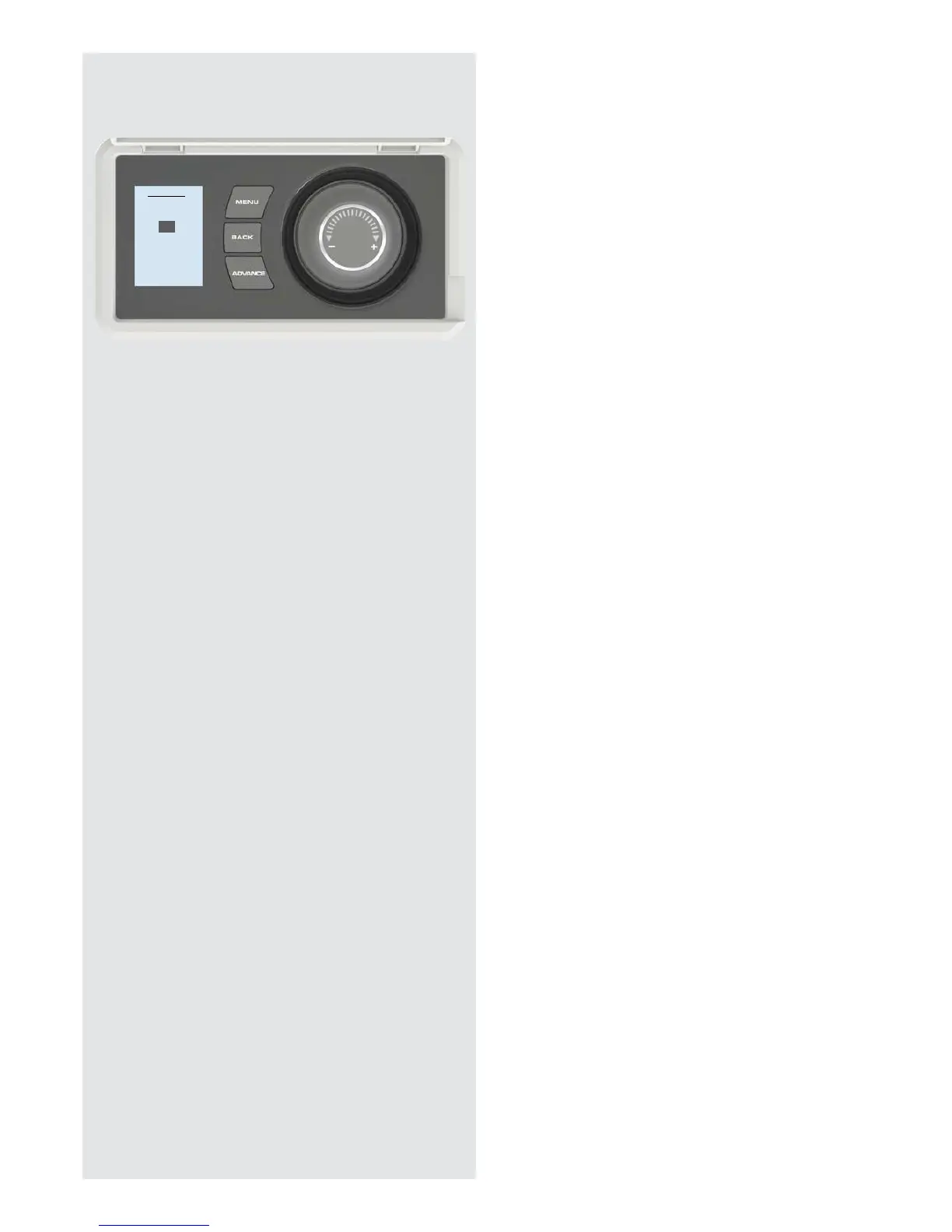
In Holiday mode the number of days that the room
will be unoccupied can be adjusted together with the
required room temperature.
Rotate the Selector Dial to choose a holiday period
between 1 and 255 days, then press the Selector Dial.
Rotate the Selector Dial to choose a temperture
between 7°C (frost protection) and 26°C (comfort) to be
maintained during this period and press the Selector
Dial. At the end of the holiday mode the heater will
automatically revert back to the previously selected
programme.
Holiday
Active Days
13
Temperature
10





 To Next Page