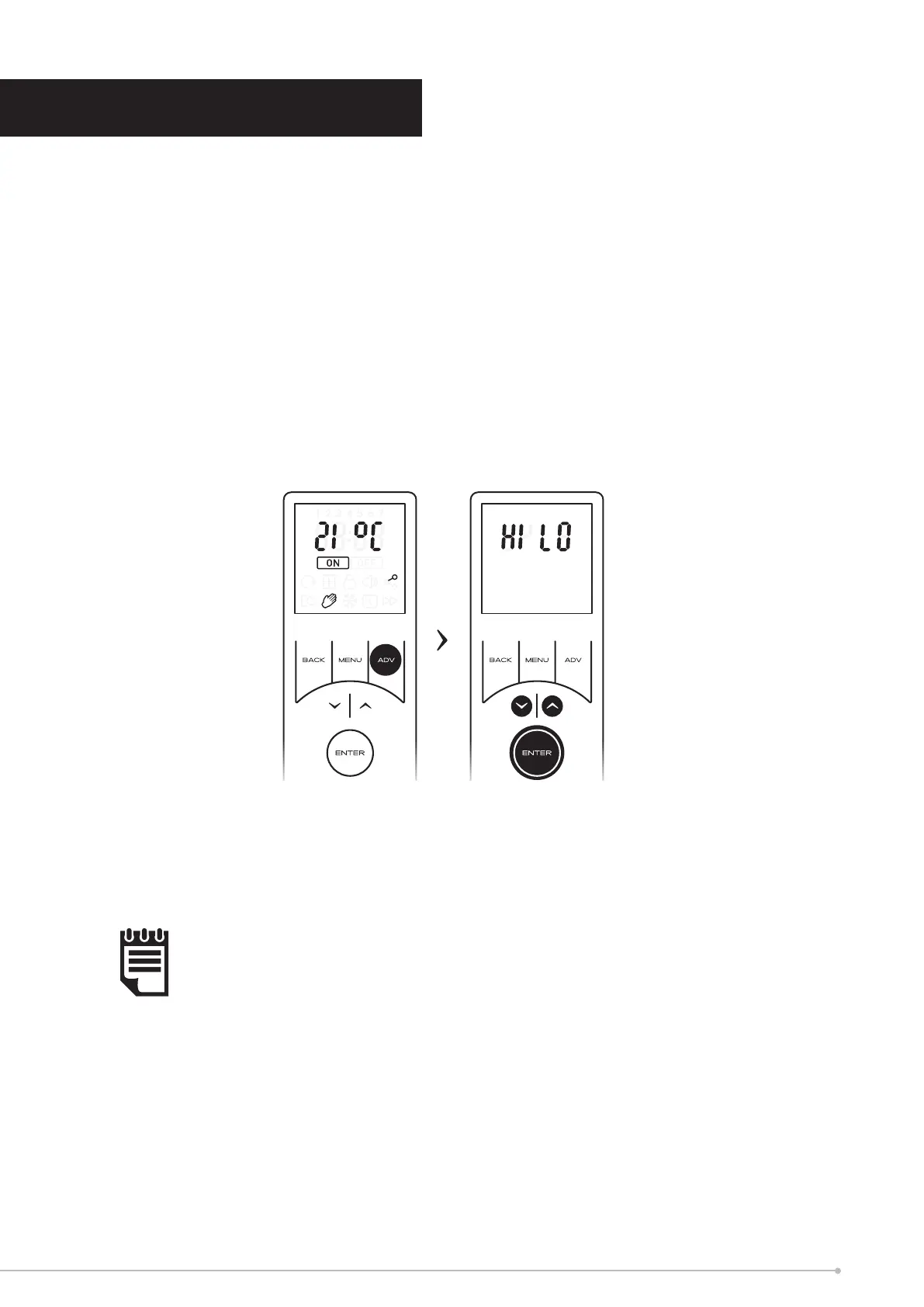
The remote control oers the facility to select the heat output from the appliance
between HI and LO heat settings, HI heat is set by default. This is a global heat setting
and once set all other operational modes will operate with this setting.
In order to set/change the heat setting,
• From the home screen press and hold the ADV button for 2 seconds. The remote
will enter the heat selection screen.
• Use the arrow keys to navigate to the desired setting and conrm using the
ENTER key.
• The remote will return to the home screen and all heating modes will function
with the selected heat output.
NOTE:
The HI temperature setting will modulate the heat output to optimise the eciency
of the product. As the room temperature approaches the set-point the heater will
automatically switch to the lo heat setting.
Heat Output Selection
19





 To Next Page