46
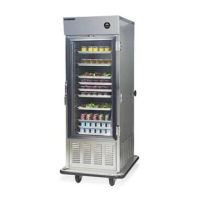
• Set up cold food in air screen refrigerators before tray assembly, and store it in
walk-in refrigerators.
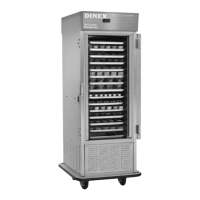
• Once a Perfect•Temp cart is fully loaded, place it under refrigeration
immediately.
If cold food temperatures are unacceptable at the time of service, start by checking the
temperatures of cold food on the trayline. If these appear acceptable (under 40°F.), check the
temperature of cold food under refrigeration before and after rethermalization.
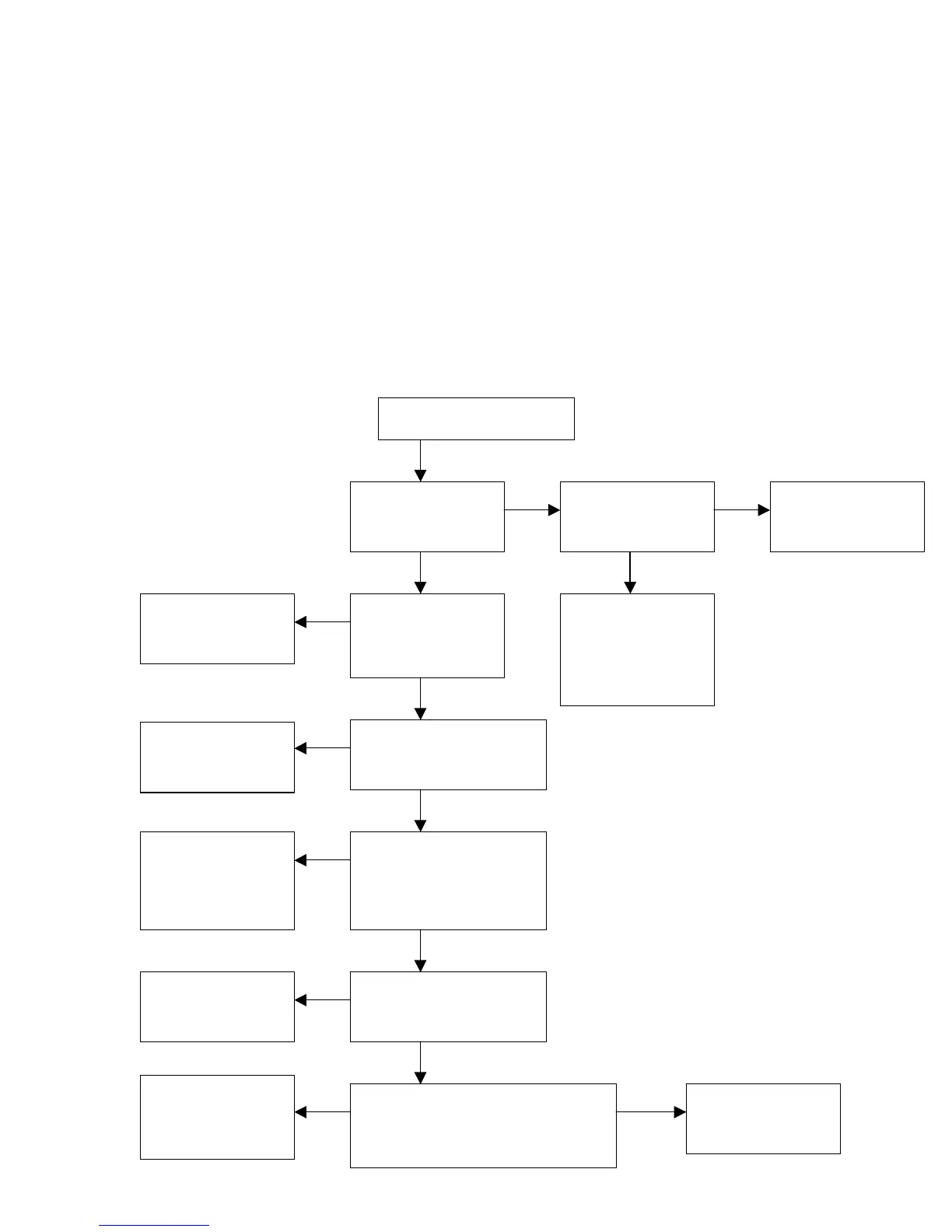
Follow the procedure outlined in the following flow chart:
Cold Temperature Improvement Procedure
Trayline temperature
under 40
°?
Are procedures for
cold food set-up
acceptable?
Be sure refrigerator
cold temperatures
are correct.
Refrigerate carts
immediately.
Are assembled carts
refrigerated
immediately after
completion?
Correct procedures
to ensure cold
temperatures start
below 40°. If prob-
lem persists, chill
food to below 35°.
Adjust temperatures
to below 38°.
Are cart storage
temperatures below 38°?
Correct problem:
Leave cart doors
open, leave space
between carts, chill
covers before use.
Is air flow under storage
restrictive (doors on cart,
too little space between
carts, full cover on tray)?
Shorten transit time,
or chill food to lower
starting temperature.
Is cart transit time to units
prolonged and affecting
temperatures?
Consult Dinex.
Are trays sitting on unit before service
(during beverage prep and service or
held and served by nursing when
available)?
Correct service
procedure, if
possible.
No
Yes
Yes
No
Yes
Yes
No
No
No
No
No
Yes
Is cold food temperature
unacce
table
over
41°F.
?
Yes
Yes


 To Next Page