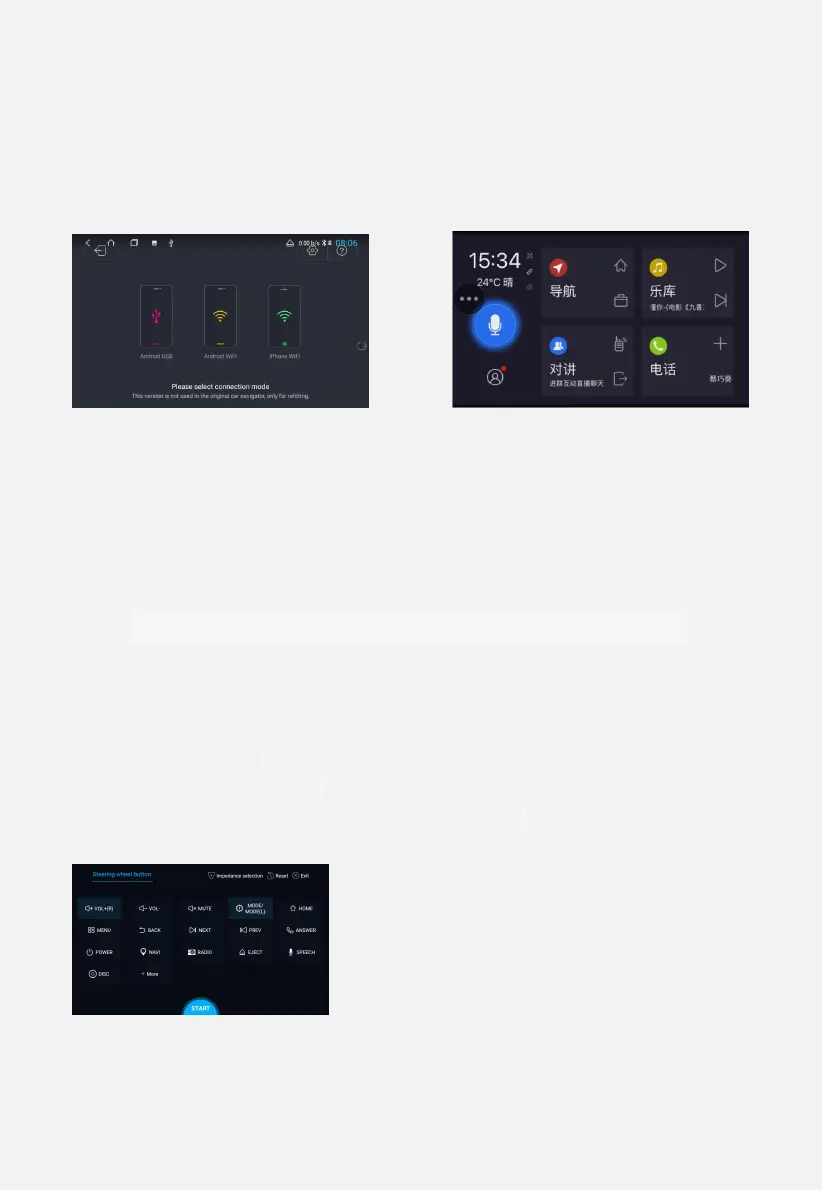
1 application interface click Yilian, enter the Yilian interface
2 Note: Be sure to activate it before using Yilian, otherwise it can't be
used; at the same time, the mobile phone should also download Yilian
APP.
Figure 2.18 Figure 2.19
2.8.1 Billion Connect → iPhone USB Usage
(1) Yilian sound is a Bluetooth channel, and Bluetooth must be paired.
(2) Connect the car with the Apple data cable - open Yilian → click
"iPhone USB" - open the Yilian driving application on the mobile phone -
the car will pop up the connection request - click on the connection, the
Android phone is used in the same way.
The third module: set related functions
3.1 Steering wheel learning
1 Application interface - steering wheel button - click [Start] - click the
button you need to learn - press the corresponding button on the
car steering wheel. After the learning is completed, the corresponding
button has a color change. Clicking End ends the button setup process.
Note: Re-learn, click Start - then click [Clear]. The interface is shown
in Figure 3.1.
Figure 3.1
3.2 Sleep function


 To Next Page