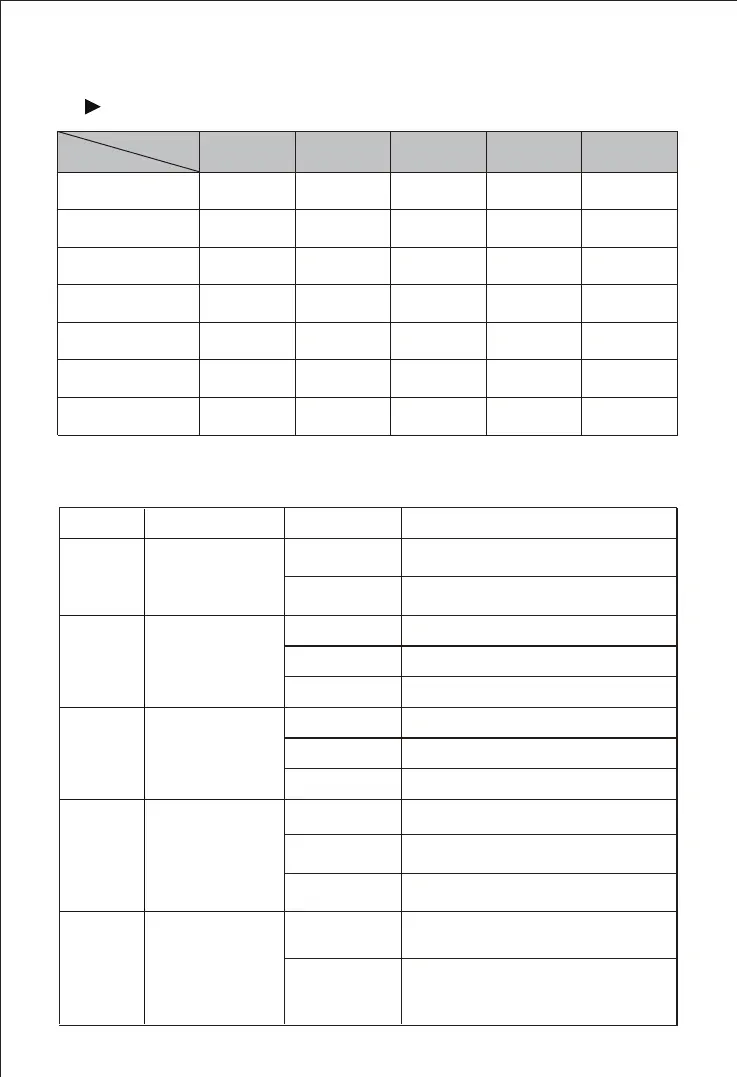
Product Models & Number of Ports
1
Description of Indicators
2
Indicators
Definition
Status
Description
Power Indicator
Running
Indicator
Telephone In-use
Indicator
ON
ON
OFF
OFF
The device is switched on
The power is switched of f or there
is no power supply
ON/OFF
Slow Flashing
Slow Flashing
PWR
RUN
FXS
The device is running properly
The device is initializing
The device is running improperly
FXS Port is in-use status
FXS port is faulty
FXS port is in idle status
Fast Flashing
UC120-1V1S1O
UC120-1V2S
UC120-1V2O
Model
Ports
1
1
1
WAN
1
1
1
LAN
1
1
2
FXSLTE
1
1
1
1
NA
2
NA
1
1
NA
FXO
NA
2
UC120-1S1O
UC120-2S
UC120-2O
UC200-2S2O
NA
2
1
1
1
1
2
2
UC120/ UC200
1
1
1
NA
NA
NA
FXO Port is in-use status
FXO In-use
Indicator
Network Link
Indicator
ON
OFF
FXO port is faulty
FXO port is in idle status
Slow Flashing
FXO
WAN/L AN
The device is properly connected
to network
The device is not connected to
network or network connection is
working in the improper way
OFF
Fast Flashing


 To Next Page